
Manage Cloudflare DNS and connect domains from Arkor
You can now manage your Cloudflare DNS records from Arkor. Open Domains, connect your Cloudflare account and choose the accounts to share with your team. Their zones and records are then available in the dashboard.
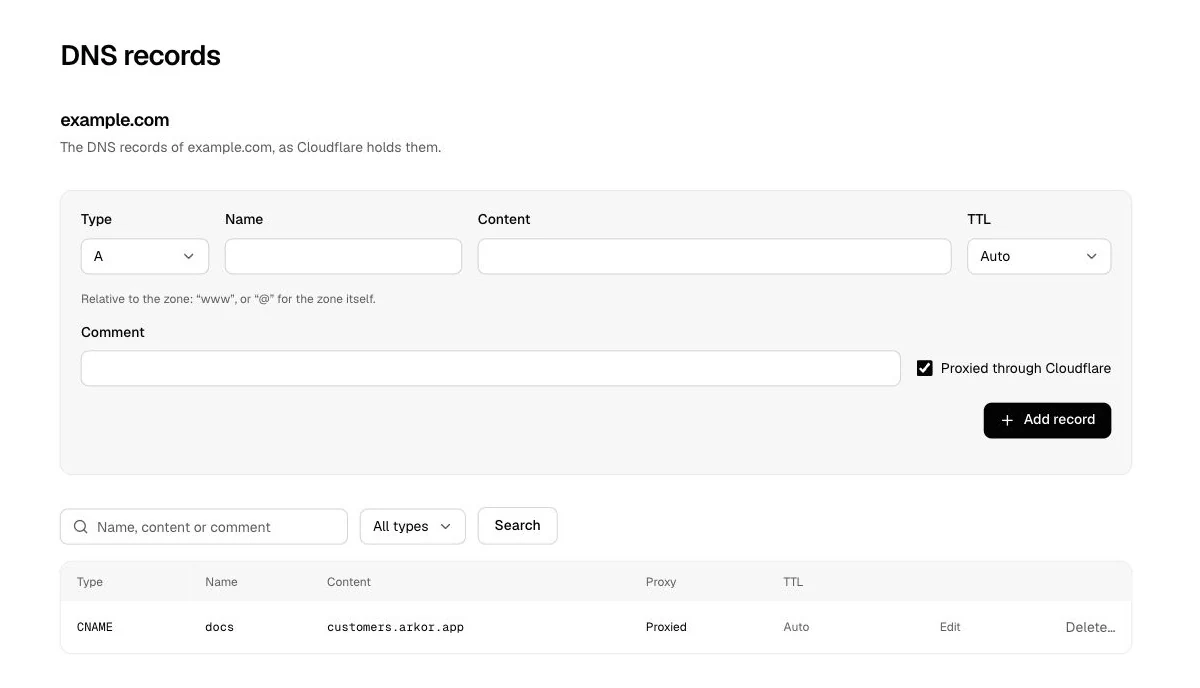
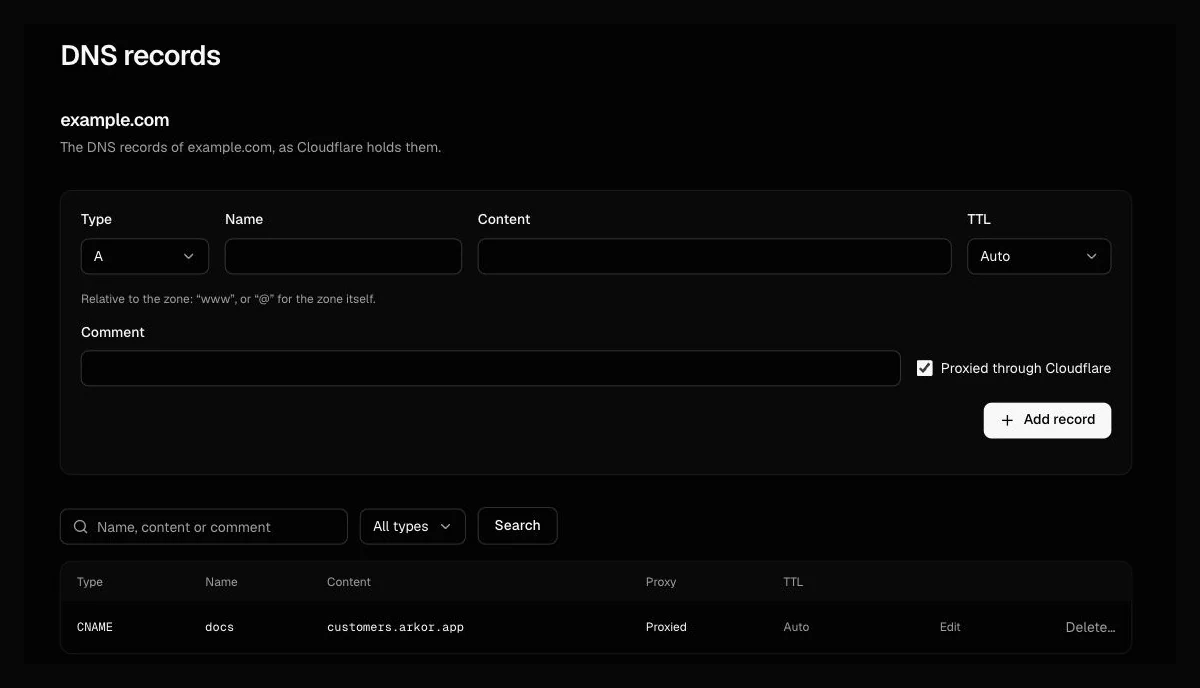
Add, edit and delete records such as A, AAAA, CNAME, TXT and MX while working on your project. Records stay in your own Cloudflare account, and your existing nameservers stay in place.
Connecting a project to a custom domain is also simpler. In the project's Domains settings, choose Add and set up in Cloudflare. Arkor adds the ownership-verification TXT record and routing CNAME for you, so you can publish at a domain you own without copying records between dashboards.
Team owners and admins can connect Cloudflare and change records; other members can view them. Domains is available on every plan. See Domains to connect your account.