
Trace a request through your runtime logs
Logs now connects a request with the lines your application printed for it. Open a request and choose Filter by this request to focus on its output; open a log line to return to the request that produced it. Structured data logged beside a message is shown in the line's details.
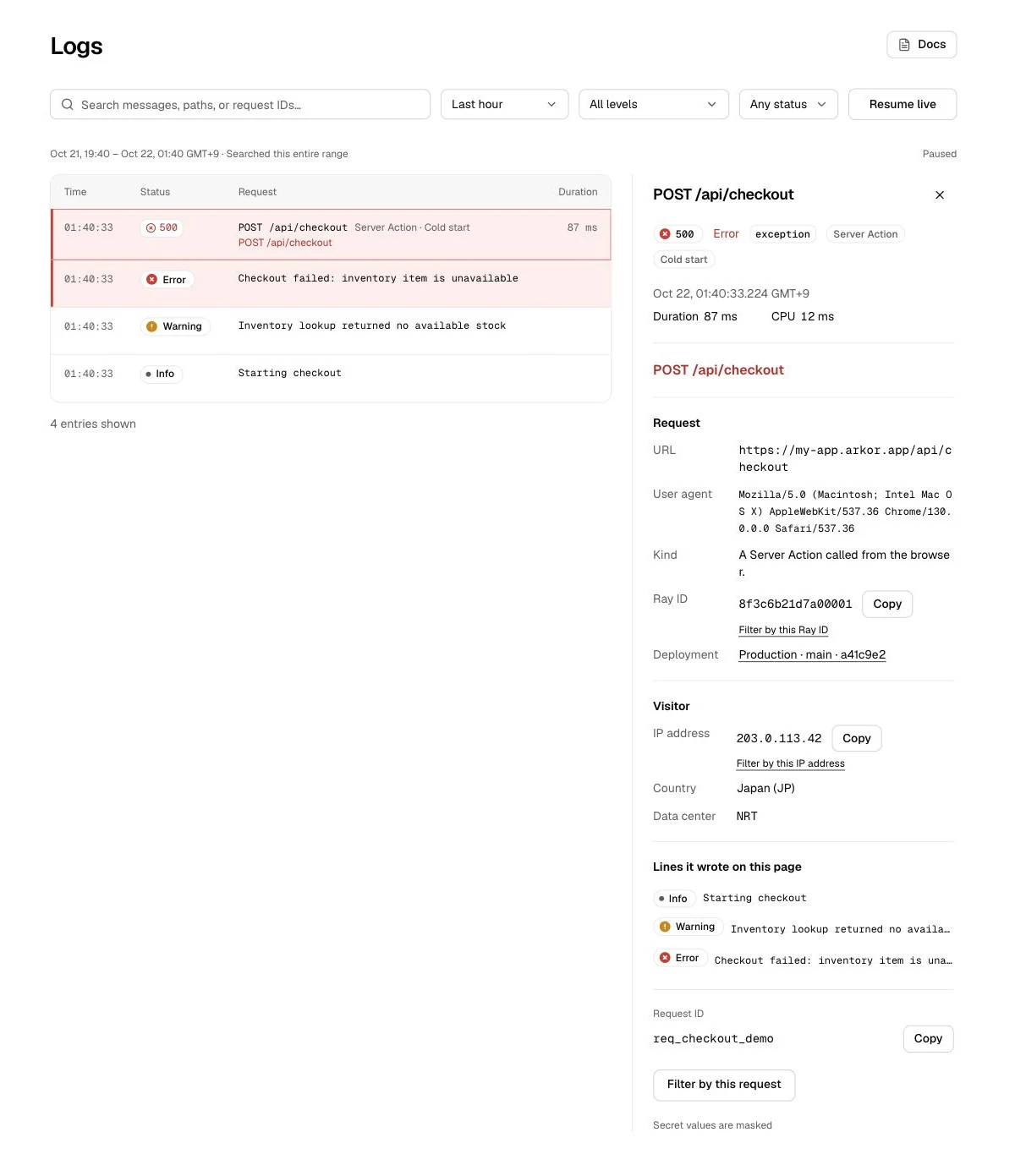
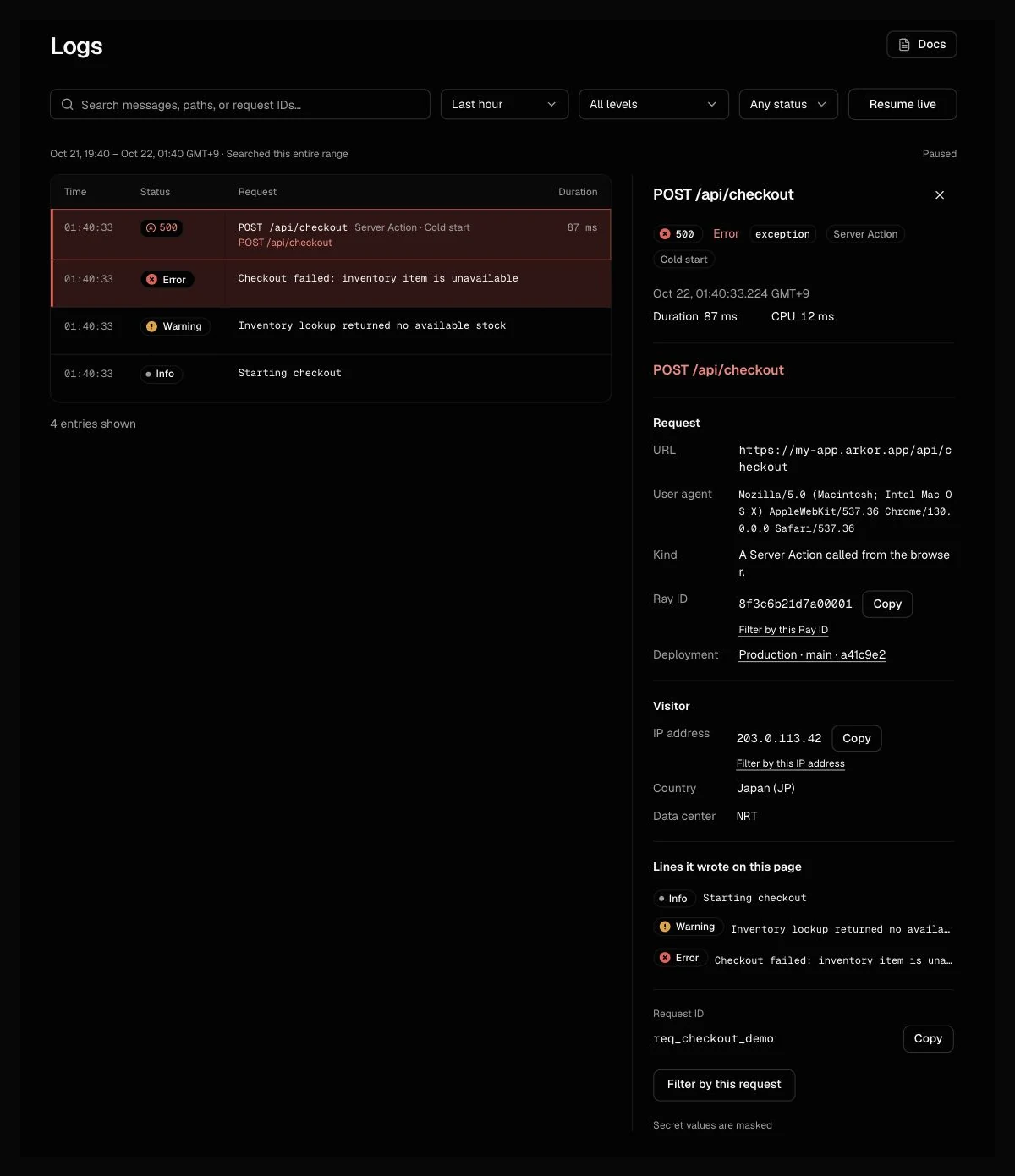
Request details also show whether Next.js handled a Server Action, prefetch, RSC navigation, PPR resume, ISR regeneration or cron job, along with cold starts and the deployment's branch and commit. Follow the deployment link to check which build was running when a problem happened.
You can inspect the full URL, a middleware rewrite's original path, user agent, Ray ID and visitor IP and country. Search these values, or filter directly by request, Ray ID or IP address to follow an incident across the logs.
Logs are kept for seven days. Requests answered entirely at the edge without running your app are not included. See Logs.