
Cap your team's monthly usage charges
Teams on Pro can now set a monthly spend limit. Choose how much metered usage you are willing to pay for beyond the credit included in your plan, so an unexpected traffic spike does not turn into an open-ended usage bill.
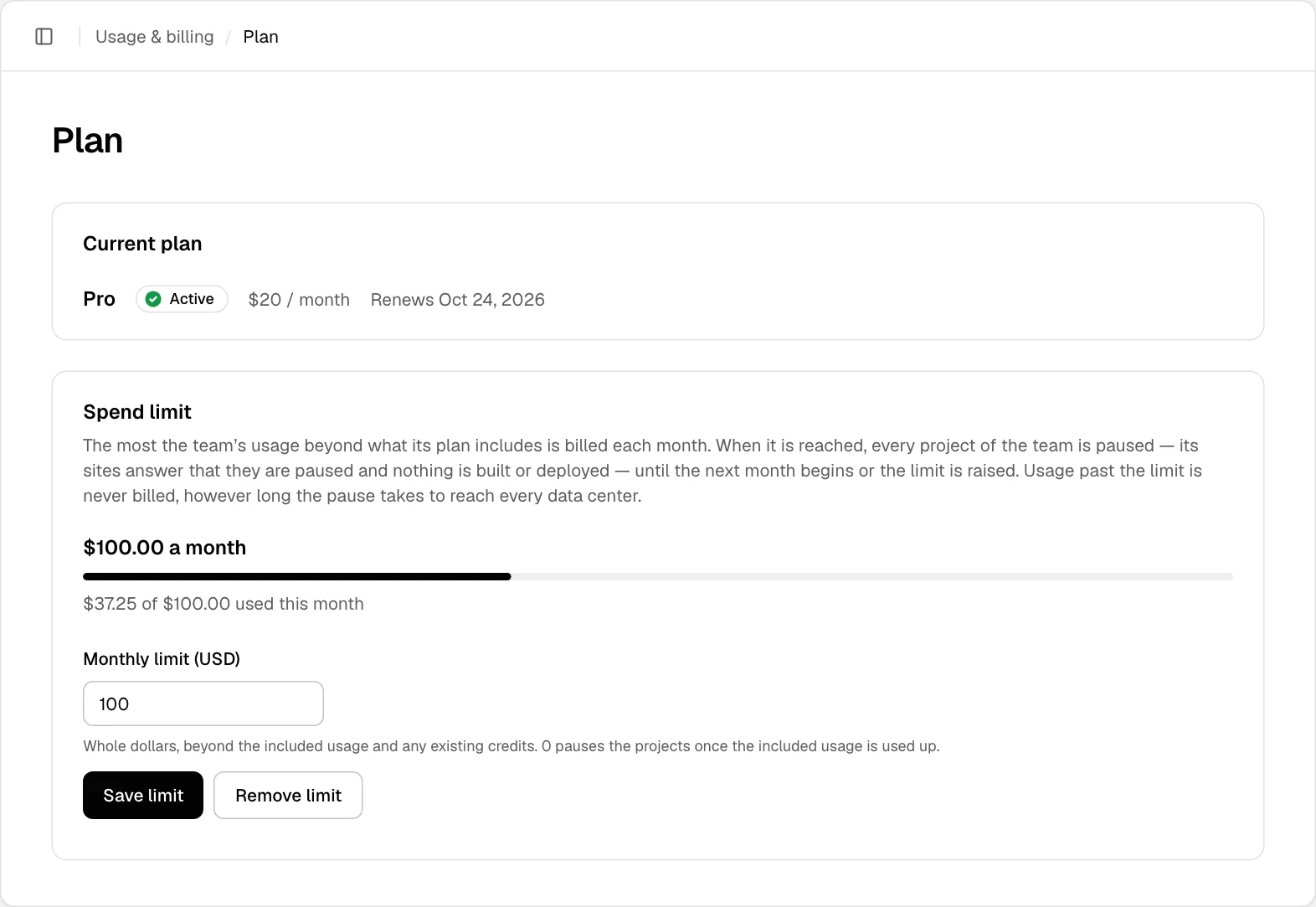
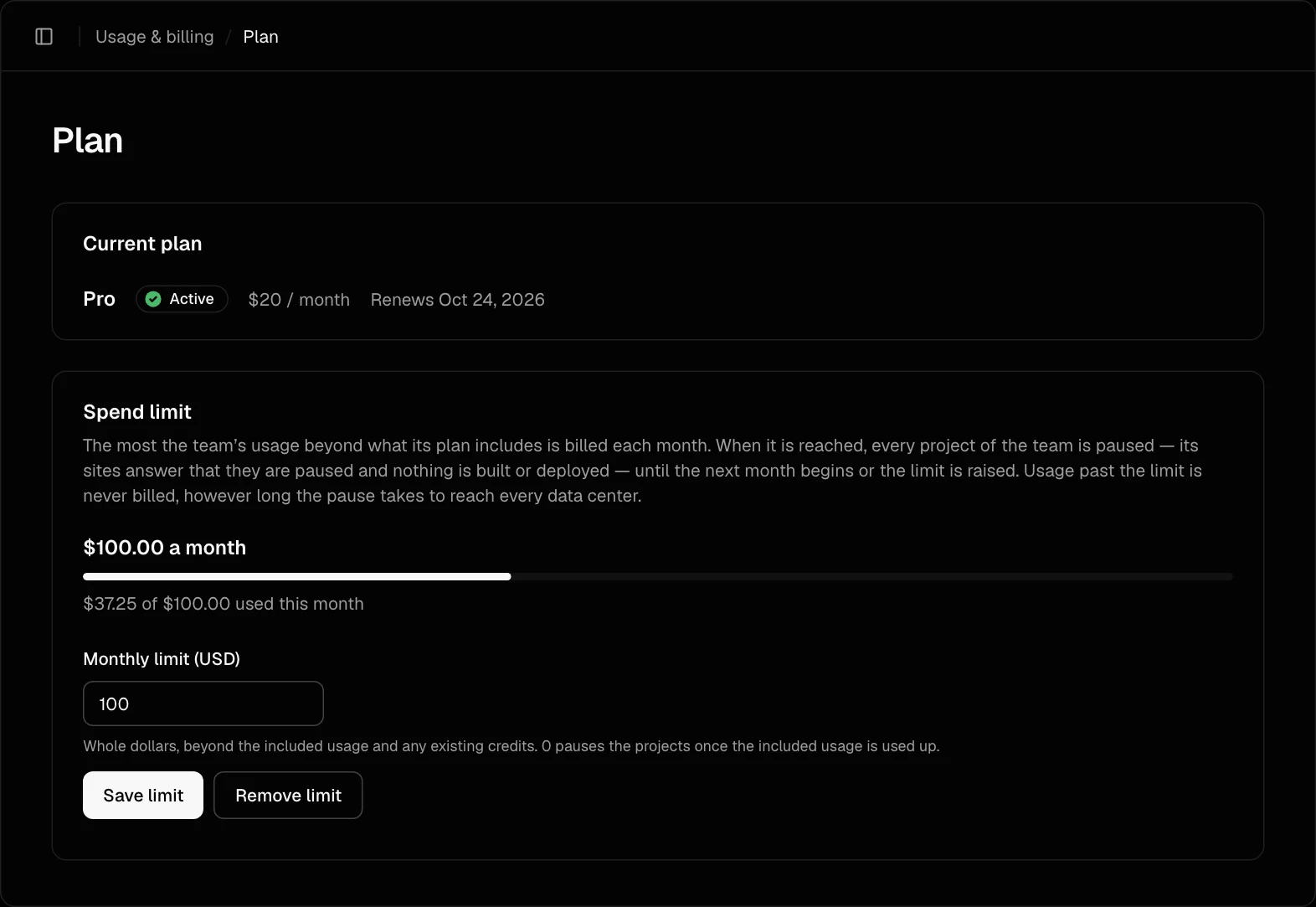
In Usage & billing › Plan, enter a Monthly limit (USD) in whole dollars and save it. A limit of $0 pauses projects once their included usage is used up. The plan’s monthly fee is separate from this limit.
When the team's usage reaches the limit, Arkor pauses all its projects, builds and cron jobs. Sites return a paused response until the next billing month, or until an owner or admin raises or removes the limit. Usage beyond the cap is not billed, including usage while the pause propagates.
Raising or removing the limit restores the production deployment without rebuilding. Previews removed during the pause need a new branch push.
See Spend limit for setup and billing behavior.