
Test your CSP before enforcing it
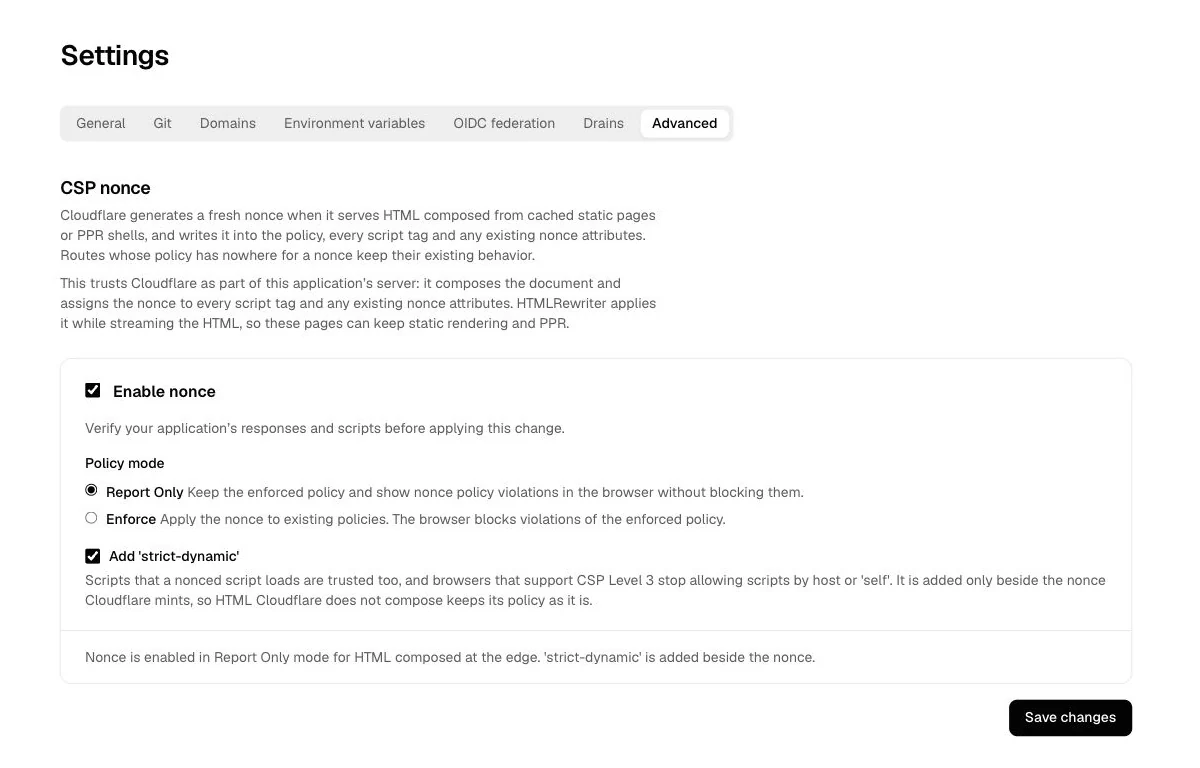
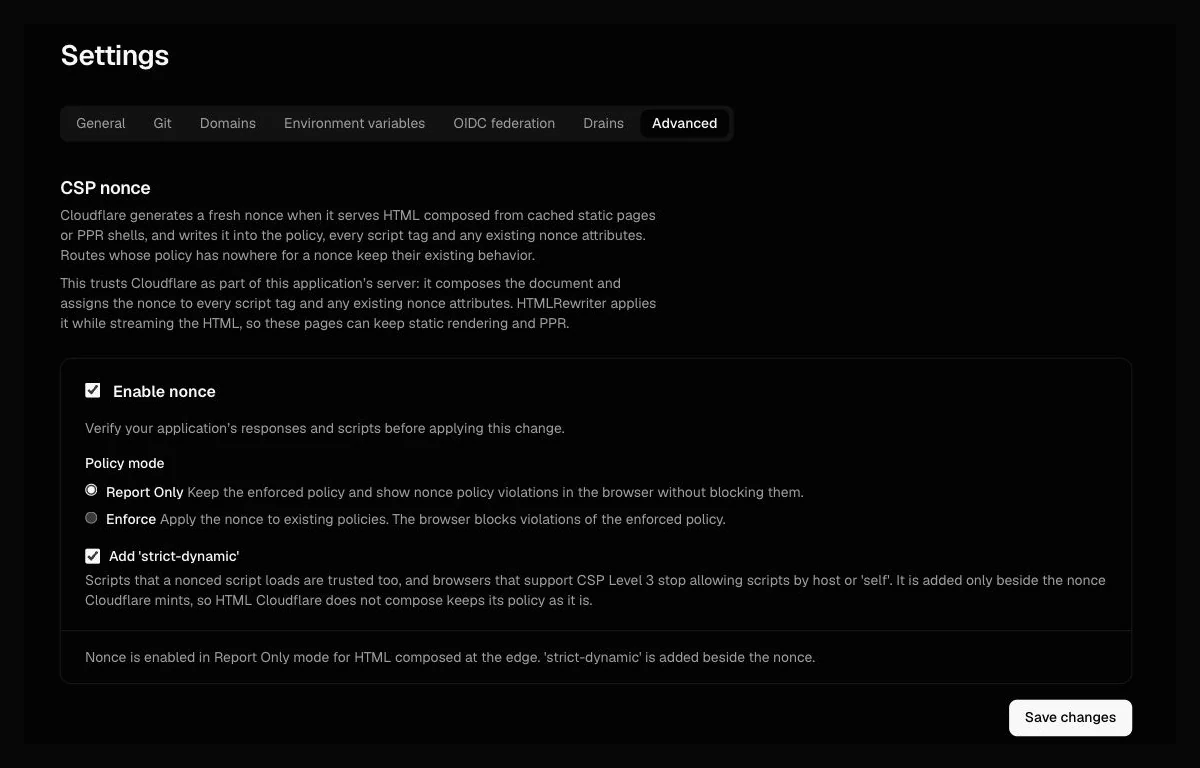
You can now try a CSP nonce policy before enforcing it. In the project's Settings, enable CSP nonce and select Report Only. The browser reports violations of the trial policy without adding new blocking behavior, while your existing enforced policy stays in effect. Switch to Enforce when you are ready.
Browser CSP reports also appear in Errors, with the directive, blocked resource, policy mode and source location. No reporting SDK is needed. This applies to responses with an existing HTTP CSP; policies with your own reporting destination keep it.
For a stricter script policy, select Add 'strict-dynamic'. Scripts loaded by a nonced script
are then trusted too; CSP Level 3 browsers stop using host sources and 'self' to allow scripts.
You can trial this setting in Report Only first.
Nonce policies apply to cached static pages and PPR HTML composed at the edge, with a fresh nonce for each response. HTML returned directly by your application's Worker keeps its policy. See Errors for reviewing and managing issues.