
Manage redirects, WAF rules and rate limits from Arkor
You can now configure Cloudflare rules for a project's custom domain from Arkor. Redirect an old URL, challenge unwanted traffic or limit requests to an API, without leaving the project dashboard.
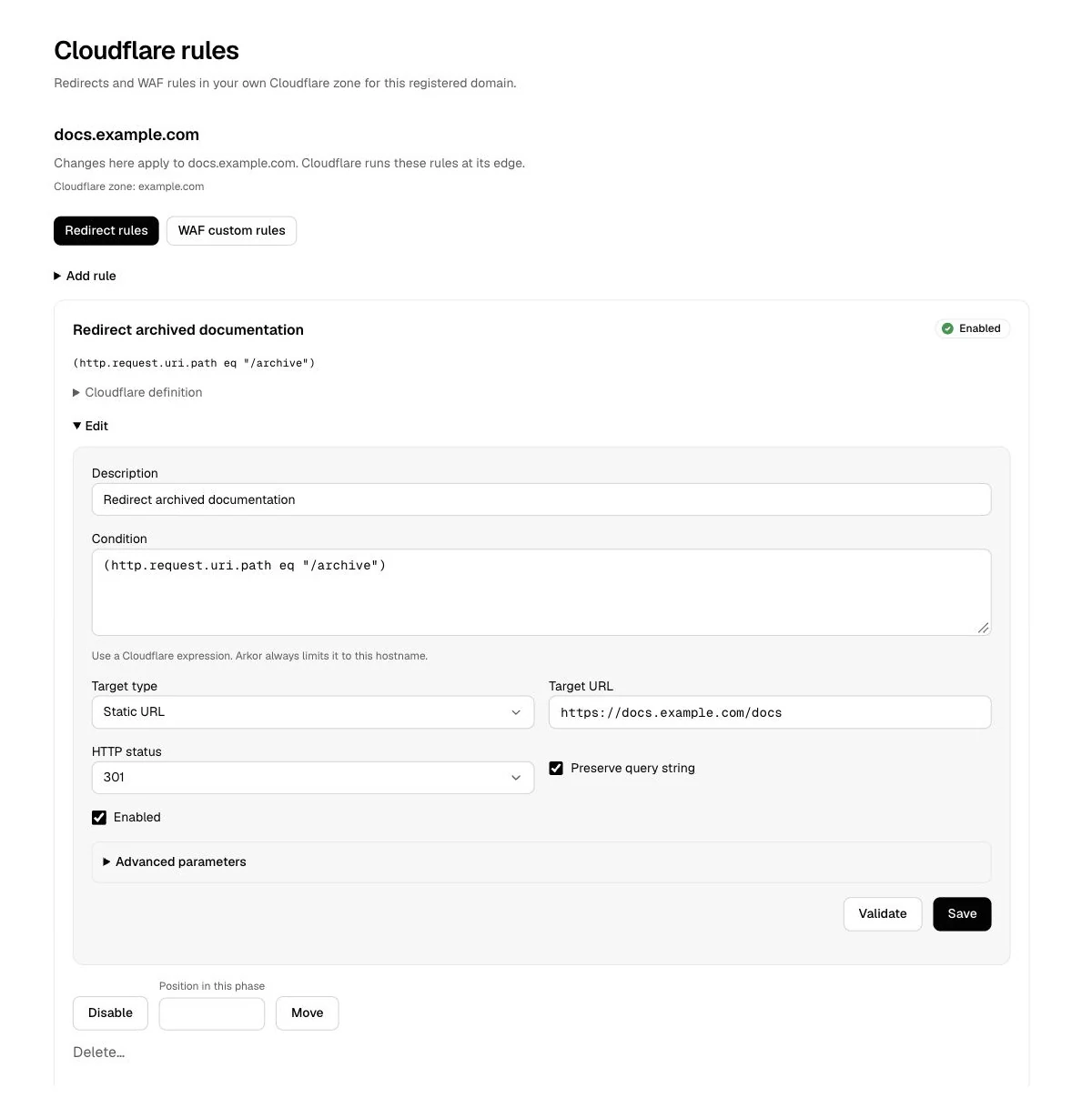
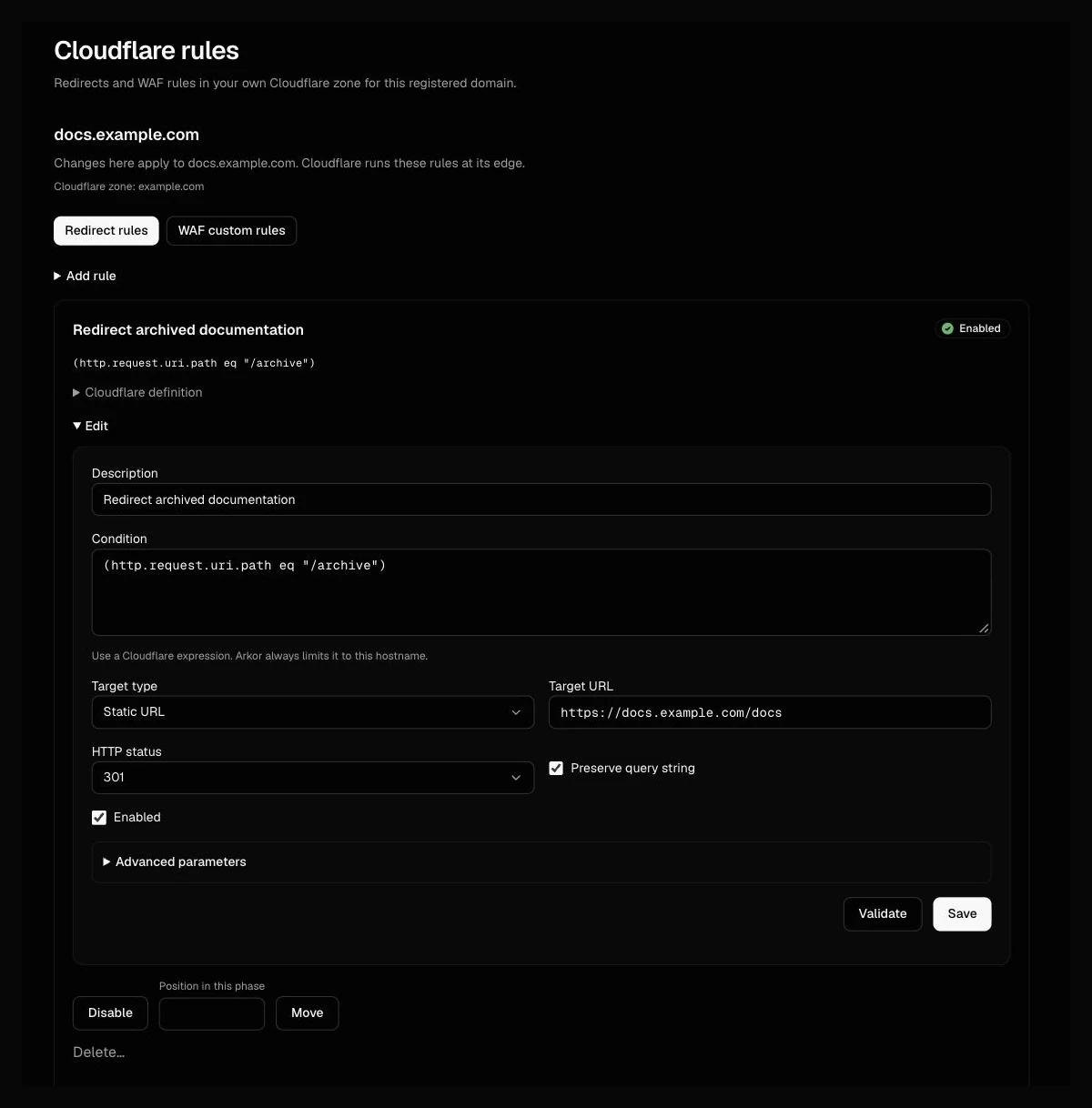
Open Manage Cloudflare rules for a registered domain to:
- Create static or dynamic redirects.
- Add custom WAF rules and deploy managed WAF rulesets, with overrides or exceptions.
- Set request rate limits when the Cloudflare plan supports hostname-scoped limiting.
- Enable, disable and reorder rules created through Arkor.
Arkor constrains each rule to the selected hostname, and Cloudflare runs it at its edge. Existing rules managed outside Arkor are visible for reference and remain managed in Cloudflare.
Connect the Cloudflare account that owns the domain's zone and enable the Cloudflare proxy on its DNS record before adding or editing rules. Available rules and quotas depend on that zone's Cloudflare plan; hostname-scoped rate limiting is unavailable on Cloudflare's Free plan.
See Domains to connect your Cloudflare account and Custom domains to register a hostname.