
Follow deployments and re-run builds from GitHub
GitHub now shows how an Arkor deployment is progressing, with links to the site and its build log. When a push starts a build, Arkor updates the commit's deployment status and a single comment on the branch's open pull requests. View deployment opens the deployed site; Build log opens the matching log for members of the project's team.
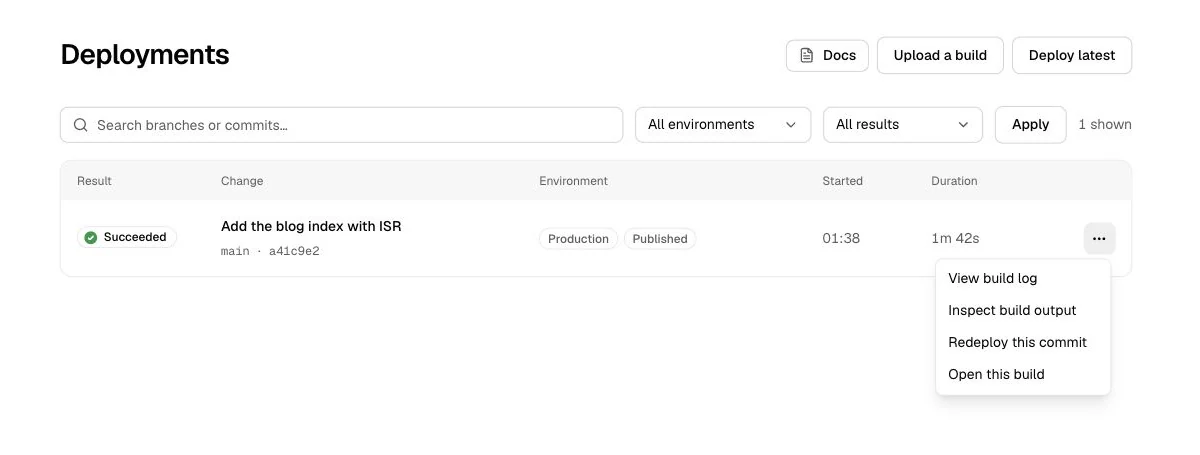
Each build also has its own check run, with Details leading to the log. Choose Re-run to build the branch's latest commit again, including a commit already live. Use it to retry a failed build or pick up changed environment variables without making another commit.
For branch protection, require the deployment's commit status to wait until the deployment is served, or the build check to wait for the build's result. Re-runs follow the project's current branch settings and build limits; older commits are not rebuilt from GitHub. See On GitHub.