
Export logs, Web Analytics and Web Vitals with Drains
Projects can now send new logs, Web Analytics and Web Vitals to an HTTPS endpoint you control. Keep deployment logs in your own archive, combine application logs with other services, or process performance metrics in an existing monitoring pipeline.
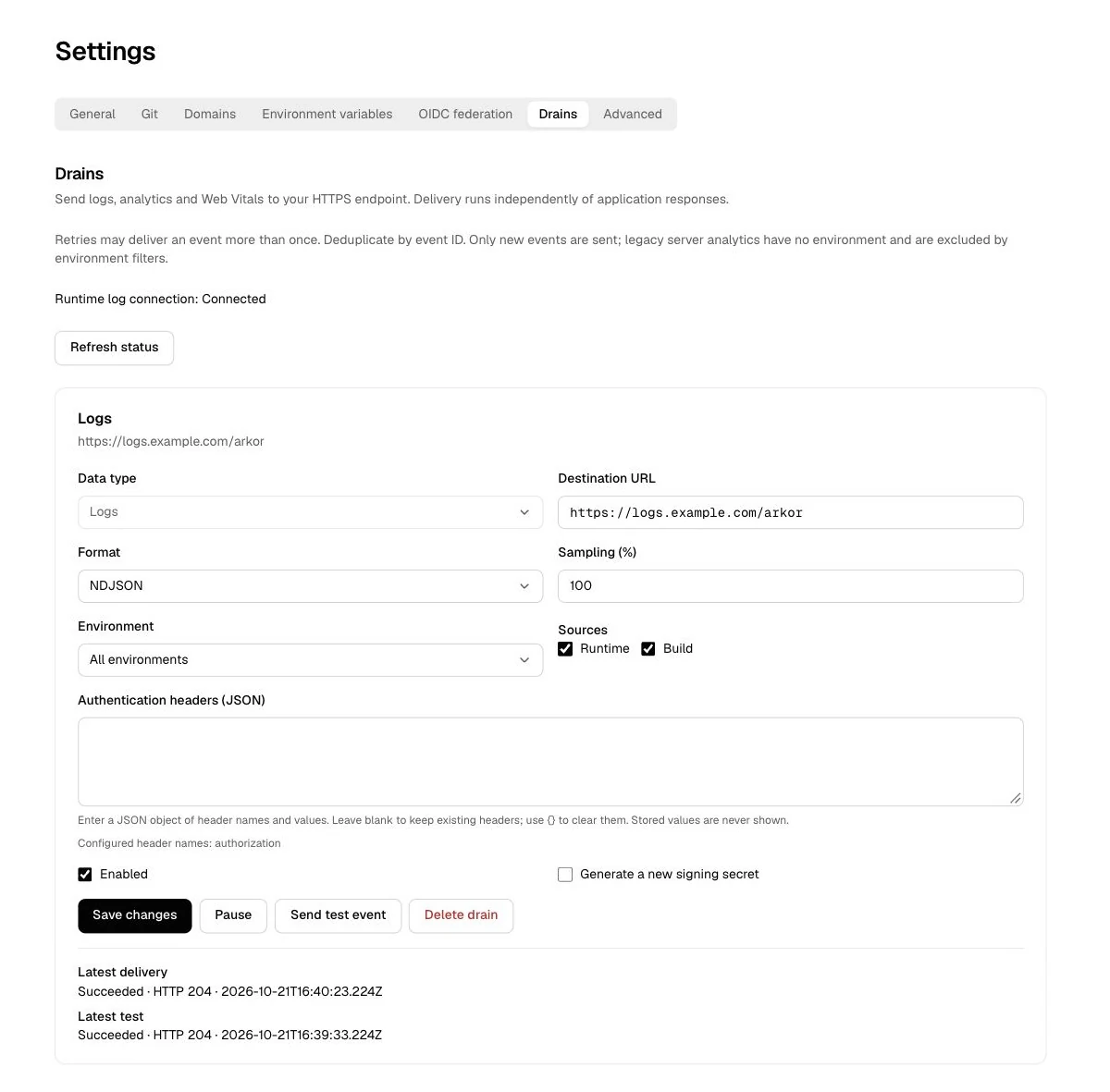
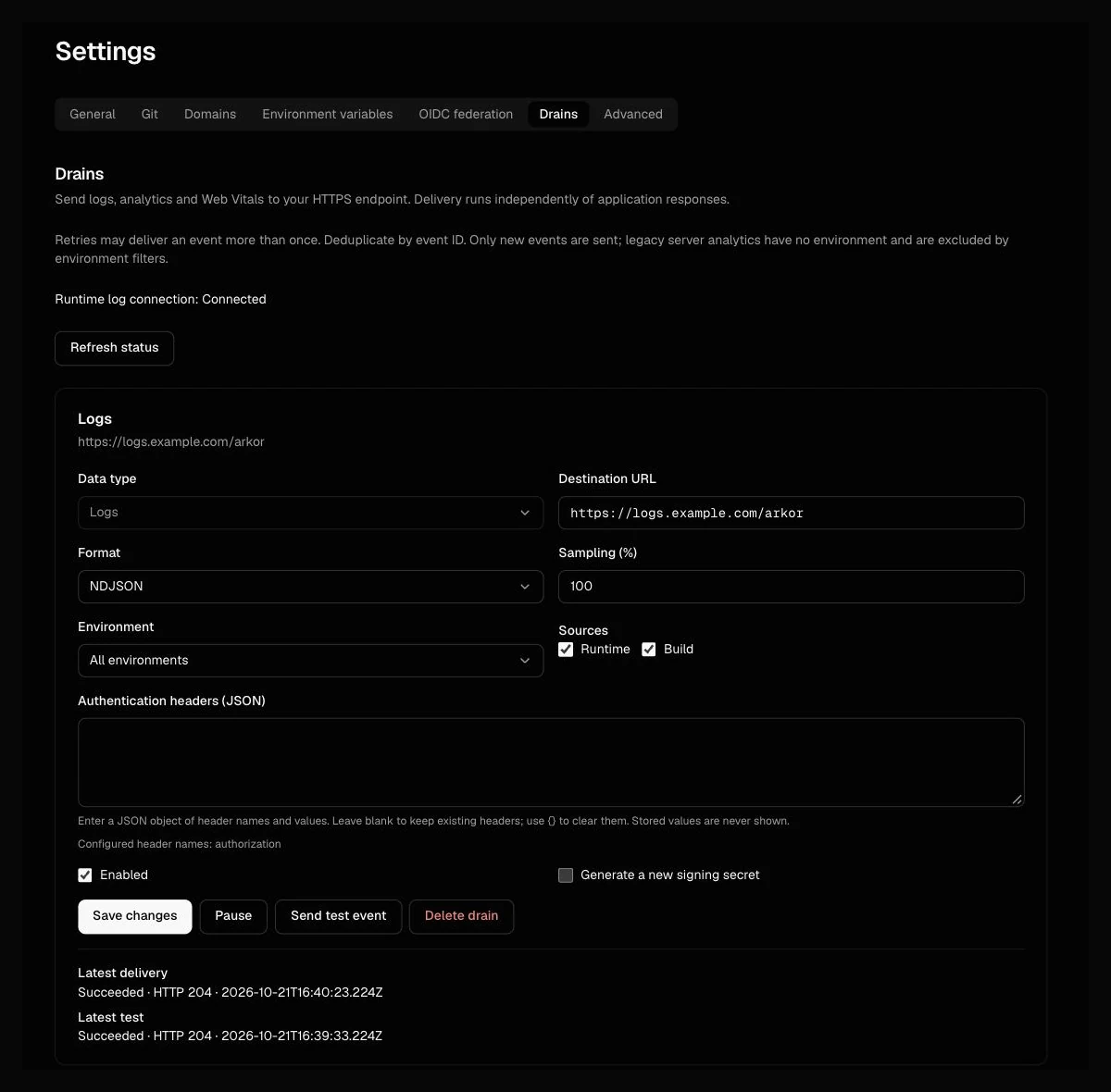
Open Settings › Drains to add a destination. Choose the event type, JSON or NDJSON, and the environments and sources to include. Logs cover application runtime records and saved build logs after successful, failed or stopped builds. Team owners and admins can configure up to five drains per project, test a destination, or pause delivery.
Deliveries carry an HMAC signature for verification. Temporary failures are retried, but collection is best effort and events can arrive more than once or out of order. Receivers should deduplicate by event ID. Drains start with new events; they do not replay historical data.
See Drains for destination setup and delivery details.