
Choose which pull requests get a preview
You can now choose which pull requests get a preview deployment, directly on GitHub. Use it when a repository has many branches but only some changes need a review site.
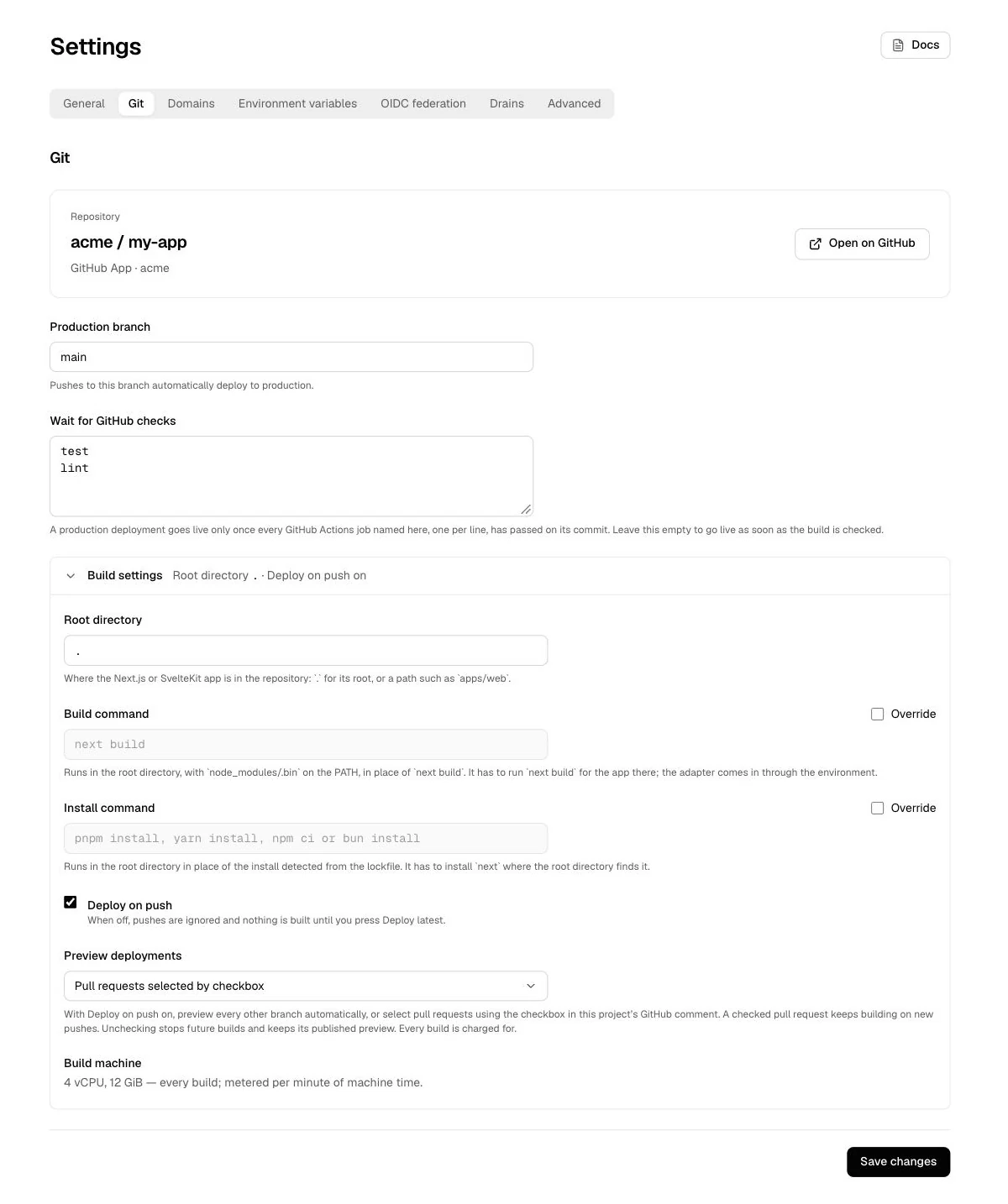
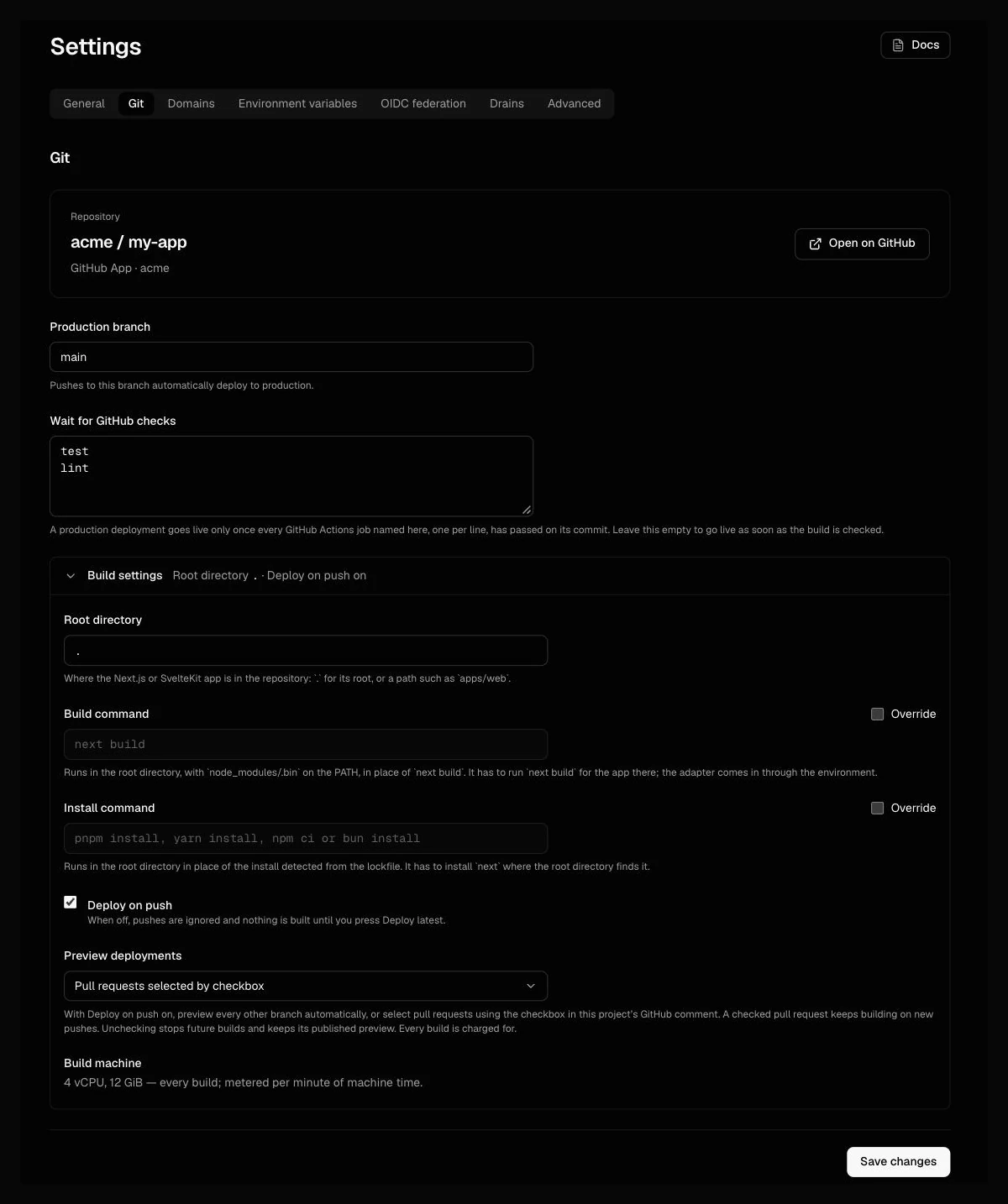
Under Settings › Git › Preview deployments, choose Pull requests selected by checkbox. Keep Deploy on push on. Arkor adds a comment to open pull requests from the same repository; someone with repository write access can check its preview checkbox.
Checking it builds the branch's latest commit and keeps building new pushes. Unchecking stops future builds and leaves the published preview available. In a monorepo, each project's comment controls its own preview. Fork pull requests are not built.
Automatic previews for every other branch remain the default. Every preview build counts toward usage, so selecting only the pull requests you need also lets you control build usage.
See Preview deployments.