
Plans and billing
What the free plan includes, subscribe to Pro, manage the subscription, set a spend limit, and what happens when it lapses.
Arkor has two plans. Your personal team is on the free plan, and can create and deploy projects on it. Any other team needs Pro: until it subscribes, it has No plan, and cannot create or deploy projects. Prices are on the pricing page.
Pro is for any team, a personal team included:
- $20 a month, including $20 of usage each month. Only usage beyond it is billed; see Usage.
- Up to five custom domains per project.
- Web Analytics and Speed Insights.
- Cache Inspector, enabled per project. Recording uses the Inspectable ISR writes meter; there is no separate monthly fee.
The plan belongs to the team. Only its owners and admins can see or change it, and only its owner for a personal team.
Free plan
The free plan is for personal teams. Every user has one, made the first time they sign in, and can invite others into it. The plan costs nothing and needs no credit card. On it, a team's projects are built, deployed and served as on Pro, Web Analytics and Speed Insights included, and nothing is ever charged.
- Usage included each month, at the same rates as on Pro: $5 as standard. As a launch offer, a month currently includes $10. Any change will be announced in advance. Should the offer end, a month already begun keeps $10, and $5 applies from the first month that begins after the end.
- One custom domain per project.
- Durable Object and Workers AI bindings, whose usage counts against what the month includes.
- Storage of up to 4 KV namespaces, 4 D1 databases, 10 R2 buckets and 2 Durable Object namespaces for the team, default storage included; see Limits.
Cache Inspector and the spend limit require Pro.
Months on the free plan
A team's months on the free plan are counted from when it went on the plan: when the personal team was made, or when its Pro subscription ended. Usage & billing shows how much of the month's included usage is used, and when the next month begins; see Usage.
When the included usage is used up
When a month's usage reaches what the plan includes, every project of the team is paused until the
next month begins, or until the team subscribes to Pro, which lifts the pause at once. It is the
pause a spend limit brings, described under
While the projects are paused: each site answers 503 with
This site is paused, nothing is built or deployed, and no new Workers AI inference starts. When
the next month begins, or once the team is on Pro, each project serves again within a few minutes
the deployment it was serving.
Nothing beyond the included usage is ever charged. The month's usage is checked every few minutes, and storage and Durable Objects are counted once each UTC day has ended, so a month can go a little past what it includes before the pause reaches every data center; Arkor bears that usage.
Move to Pro
To move your personal team to Pro, subscribe on Usage & billing. What its month on the free plan used up to then is never charged, and a pause for it is lifted at once.
Subscribe
- Open Usage & billing in the sidebar, and choose Choose a plan.
- Choose Subscribe monthly.
- Pay with Stripe. You come back to the Projects page.
Manage the subscription
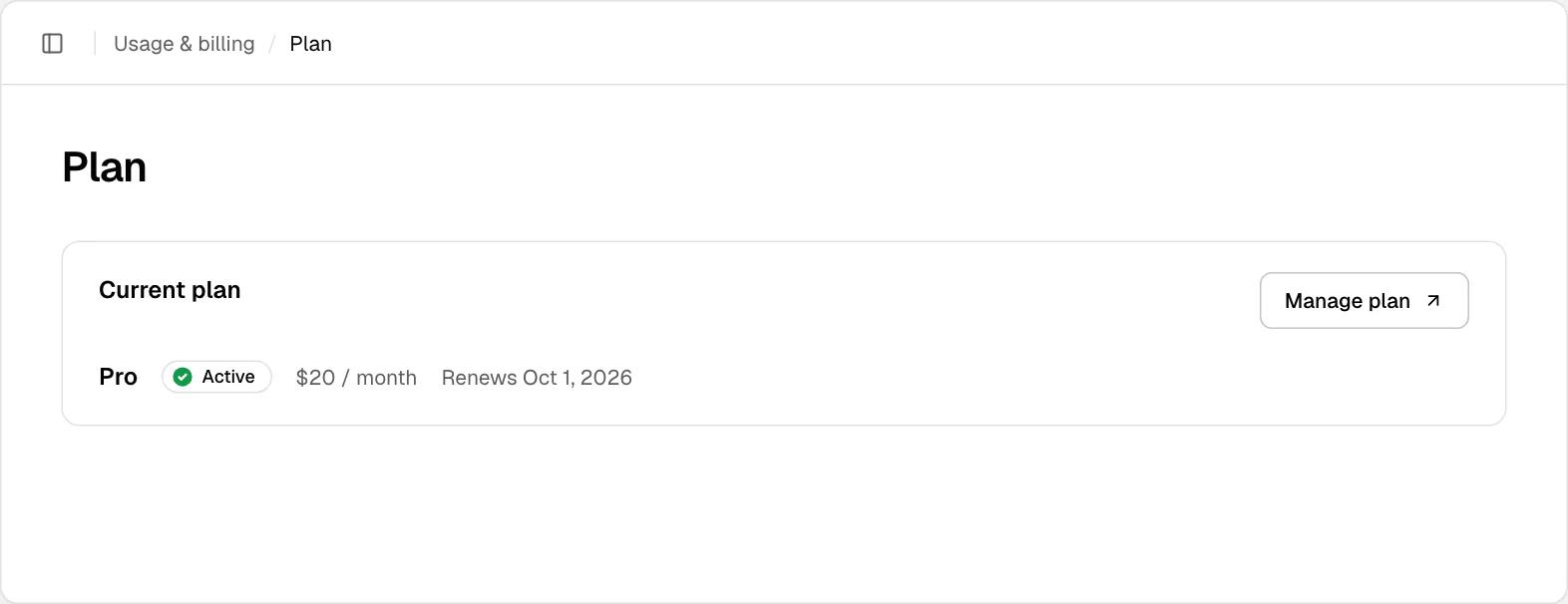
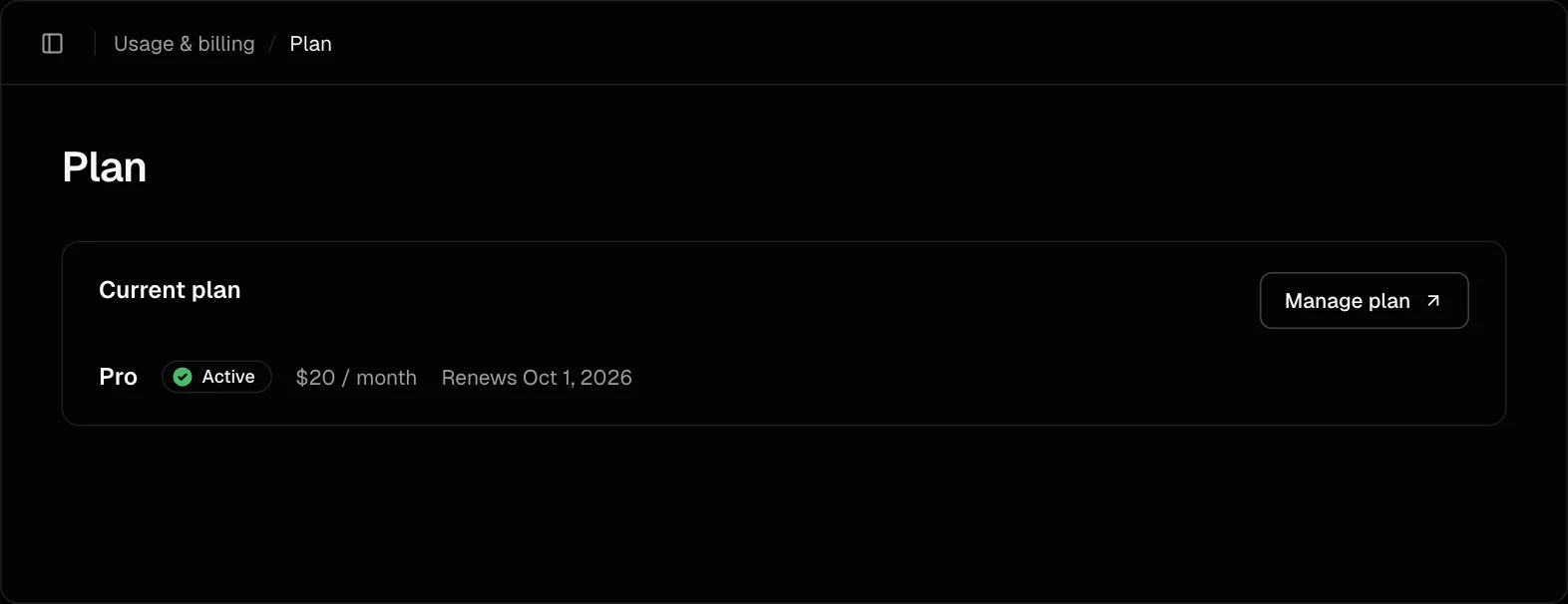
On Usage & billing, choose Manage plan. It opens Stripe, where you can change the payment method, download invoices, or cancel.
Spend limit
A spend limit is the most the team's usage is billed in a month beyond the usage included in the plan. When the month's usage reaches it, every project of the team is paused until the next month begins, or until the limit is raised or removed. Usage past the limit is not billed. There is no limit until an owner or admin sets one. Only a team on Pro can set one: on the free plan, the projects are paused once the month uses what the plan includes (Free plan).
Workers AI follows this limit too: stopped teams cannot start new inference. Accepted inference may finish, and its usage continues to be measured. Usage beyond the invoice cap is paid by Arkor.
Set a limit
- On Usage & billing, choose Plan.
- Under Spend limit, enter the Monthly limit (USD) in whole dollars, and choose Save limit.
The limit counts only usage beyond what is included. With a $10 limit, the team is billed at most $10 of usage a month beyond the plan's included $20 of usage. A limit of $0 pauses the projects once the included usage is used up. Remove limit takes the limit away, and usage is billed in full again.
The month is the subscription's billing period, as on Usage. Spend limit shows how much of the limit the month has used.
While the projects are paused
- Each project's site answers
503 Service Unavailable, at itsarkor.appaddresses — the project's and each deployment's own — and at its custom domains. These answers are not counted as usage. - Preview deployments are taken down, and do not come back: push the branch again to deploy a new preview.
- Nothing is built, deployed or run again. A push is recorded as a failed deployment, and a
deployment or a Run again asked for on the dashboard is refused; through the
Public API, with
409 spend_limit_reached. - Cron jobs are not called.
- Workflow runs are held, and go on when the projects serve again.
When the next month begins, or once the limit is raised above what the month has used or removed, the projects serve again within a few minutes, each with the deployment it was serving. Nothing has to be deployed again.
What is billed
The month's usage is checked every few minutes, and a pause takes a few minutes more to reach every data center. What the projects use in the meantime is not billed: the month is billed up to the limit and no further, and Arkor bears the rest. Charges, on Usage, shows what is not billed.
- Usage is billed by the hour, in UTC, each hour under the lowest limit set during it. A raised limit lets the projects serve again at once, but bills from the next hour, so the usage past the old limit stays unbilled. A lowered limit bills from the hour it is lowered in.
- Storage counts against the limit like every meter. It is counted by the UTC day once the day has ended, so a pause it brings comes some hours after: what the day used past the limit is not billed either.
- The invoice rounds each meter's amount to the cent. So that the rounding never takes it past the limit, the month can be billed up to a cent a meter, some twenty cents, less than the limit.
When the subscription lapses
If a payment fails, the team's projects are suspended, and so are those of a team other than your personal team when its subscription ends:
- They stay online, but pages are rendered by your app on each request, and no shell is sent from
the edge ahead of them. Files of the build, such as
/_next/staticfiles and the pages of a static export, are still sent from the edge. - Nothing can be built or deployed, and projects and custom domains cannot be added.
- A deleted project cannot be brought back.
When the subscription is active again, each project publishes again the deployment it was serving.
When the Pro subscription of your personal team ends, the team moves to the free plan instead, and its projects go on serving; its months on the free plan are counted from then. While a payment is past due, it is suspended like any other team.