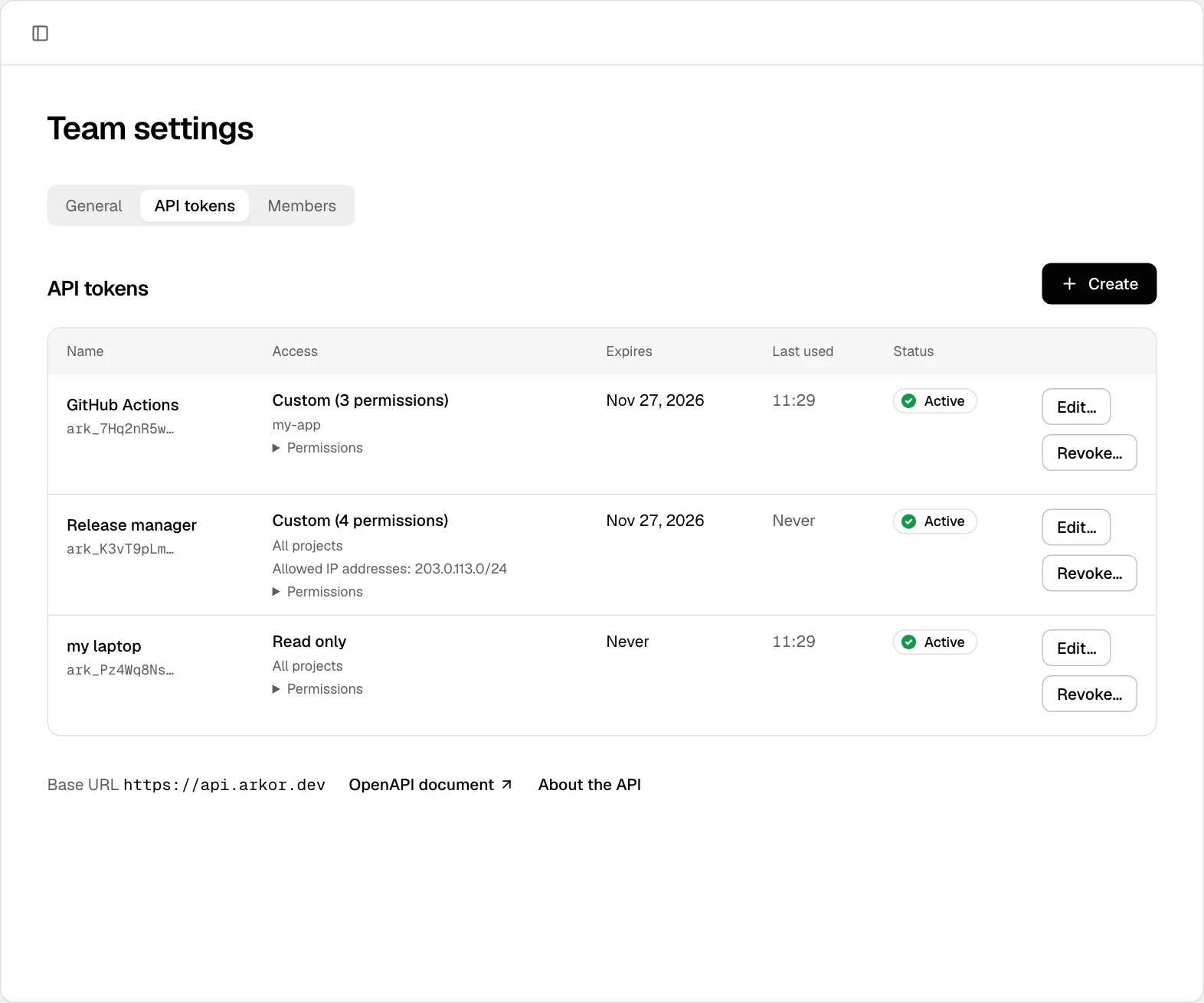
API tokens
Create a token for a tool of your own, choose what it may do, where and for how long, change it, and revoke it.
An API token lets a tool of your own, such as a CI workflow, a script or an AI assistant, use the Public API for your team. Owners and admins manage tokens. The tokens someone created are revoked when they are removed from the team, leave it, or are made a member (see Teams and roles).
Give each tool a token of its own that can do only what that tool needs: the permissions it uses, the projects it works on, the addresses it calls from, and a lifetime.
Create a token
- Open Team settings › API tokens, and choose Create.
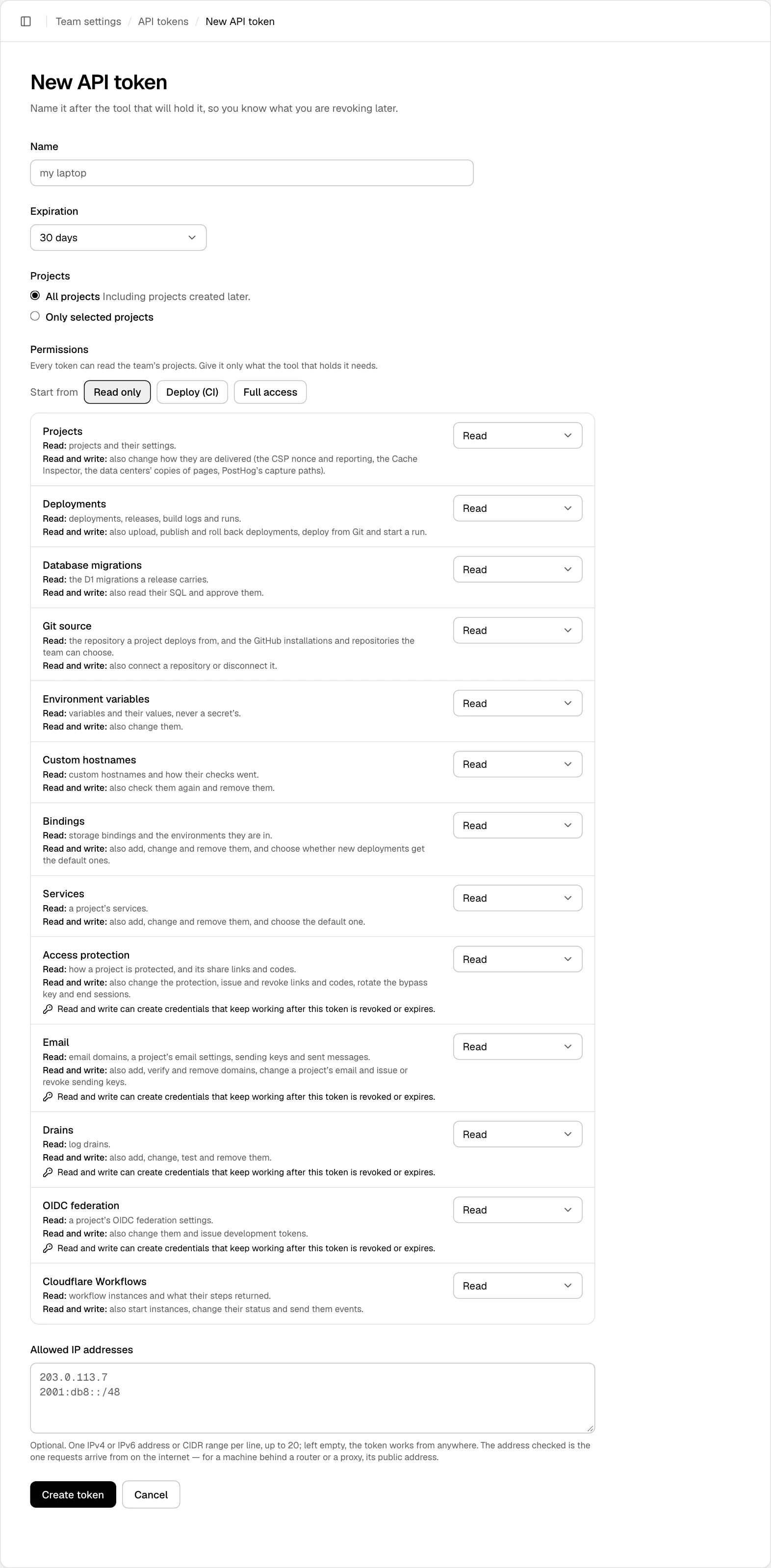
- Enter a Name: name it after the tool that will hold it, so you know what you are revoking later.
- Choose its Expiration: 30 days unless you choose 7 days, 60 days, 90 days, 1 year or No expiration. An expired token is refused like a revoked one.
- Choose its Projects: All projects, including projects created later, or Only selected projects (up to 50). See Limit a token to projects.
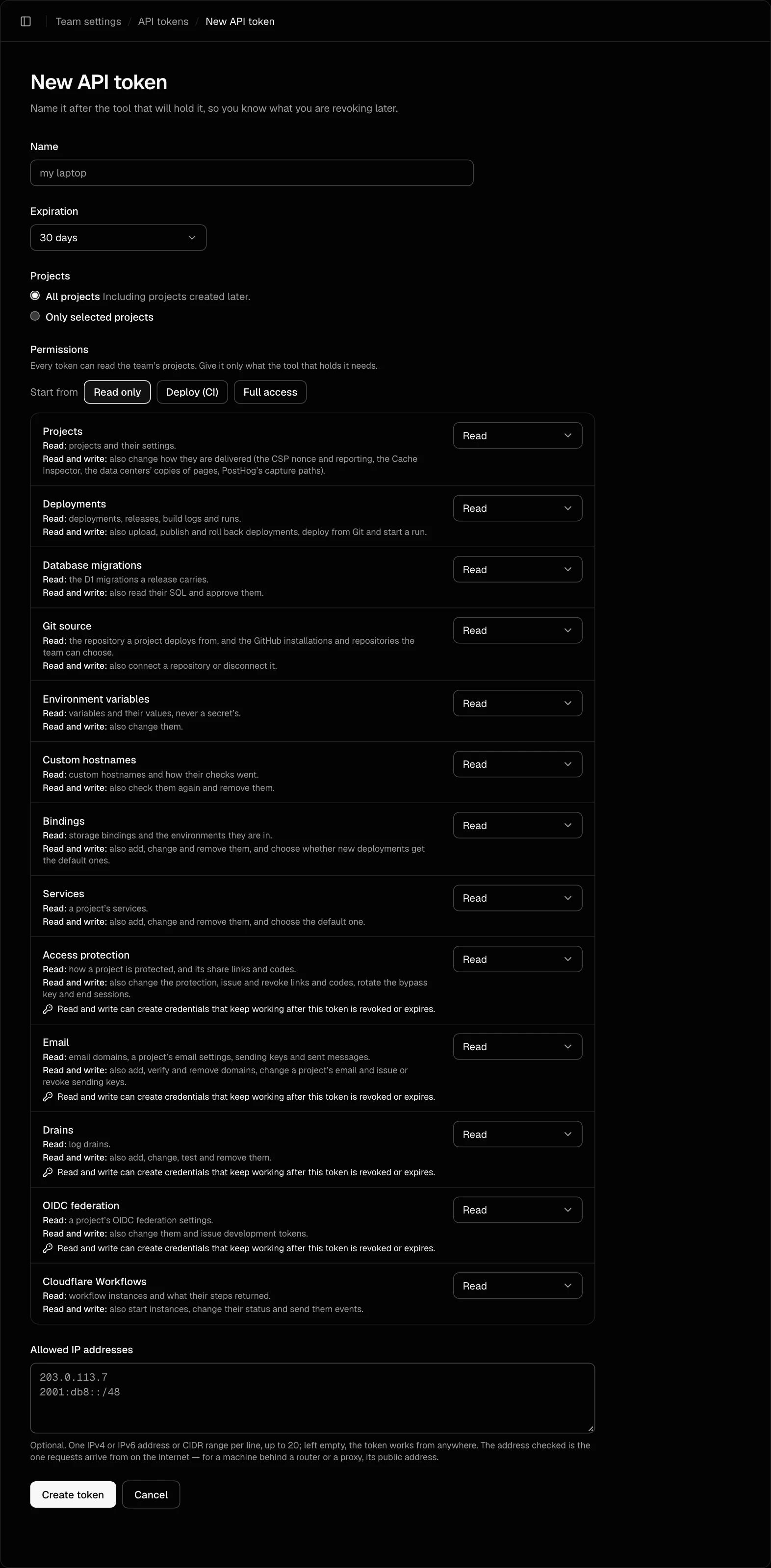
- Choose its Permissions. Start from Read only, Deploy (CI) or Full access, then set each permission to No access, Read or Read and write. See Permissions.
- Optionally, list Allowed IP addresses, one per line. See Limit where a token is used from.
- Choose Create token, then Copy. The token is shown only once: if you lose it, revoke it and create another.
A token starts with ark_. Keep it in your tool's secret store, never in your repository or in code
that runs in a browser.
Permissions
Read lets a token call the operations that change nothing; Read and write lets it call all of
a permission's operations, reads included. A token without a permission is refused its operations
with 403 forbidden. The OpenAPI document names the
permission each operation needs, as deployments:write, in its security requirement.
| Permission | Read | Read and write |
|---|---|---|
| Projects | List projects and read one. Every token can. | Change Cache Inspector, local cache copies, CSP nonce, CSP reporting and PostHog capture paths. |
| Deployments | Deployments, build logs, runs and releases. | Deploy a bundle or a Git ref, upload and finalize, start a run, create and roll back releases. |
| Database migrations | A release's D1 migration plans and history. | Review a migration's SQL and approve it. |
| Git source | The connected repository, and the team's GitHub installations and repositories. | Set and remove the project's Git source. |
| Environment variables | Variables, secrets masked, and service overrides. | Replace variables and service overrides. |
| Custom hostnames | A project's custom hostnames. | Remove and re-check them. |
| Bindings | Storage and other bindings, and the default storage. | Add, edit and remove bindings; turn default storage on or off. |
| Services | A project's services. | Add, configure and remove services. |
| Access protection | Access settings and credentials. | Change them, revoke sessions, create share links and codes, rotate the bypass key. |
| Sending domains, a project's email settings, sending keys and messages. | Add and remove domains, change settings, create and revoke sending keys. | |
| Drains | Drains, without their credentials. | Create, update, delete and test drains. |
| OIDC federation | A project's OIDC federation settings. | Change them, and issue development tokens. |
| Cloudflare Workflows | Workflow instances and step output. | Start, pause, resume, restart and terminate instances, and send events. |
Every token can read Projects: it is how a tool finds the projects it can work on. A project's Git source is left out of what a token without Git source reads there, and its deployments, runs, routes and activity are left out for a token without Deployments.
Read and write on Access protection, Email, Drains or OIDC federation can create credentials of their own — share links and bypass keys, sending keys, drain signing secrets, OIDC development tokens — which keep working after the token that created them is revoked or expires. Revoke those separately.
Deploy (CI) is what pnpm deploy:app and a CI deployment need: Projects and Bindings at
Read, and Deployments at Read and write.
Limit a token to projects
A token for Only selected projects works with those projects and no others:
- Another project's operations answer
404 not_found, as for a project that does not exist. - Operations for the whole team rather than one project — GitHub installations and email sending
domains — answer
403 forbidden. - Listing projects lists only its projects.
- It cannot connect a different repository to its projects, or give them a sending domain they do not have already.
A project that is deleted stays on the token's list and can no longer be reached.
Limit where a token is used from
List up to 20 IPv4 or IPv6 addresses (203.0.113.7) or ranges in CIDR notation (203.0.113.0/24,
2001:db8::/32), one per line. A request from anywhere else is refused with 403 forbidden and does
not count as the token's use. Leave the list empty to allow any address.
The address checked is the one your request reaches Cloudflare from: your network's public address, not a private one. Requests that Cloudflare Workers make to other sites all come from one shared address, so a range that holds it is refused. Hosted CI runners usually change address on every run; use this with runners and networks whose addresses you control.
Edit a token
Choose Edit… beside a token to change its name, expiration, projects, permissions or allowed addresses. The token itself does not change, and every request it makes from then on is checked against what you saved. If someone else changed the token while you were editing it, reload and make your change again. An expired or revoked token cannot be edited.
A token created before permissions existed is shown with every permission at the level it had: Read or Read and write. It keeps working that way, for every project and from any address, until you change it.
A token an AI assistant connected with is named MCP: and the assistant's name.
Removing its last Read and write permission makes the connection read-only. Extending its
expiration does not extend the connection beyond its own 30 days.
Revoke a token
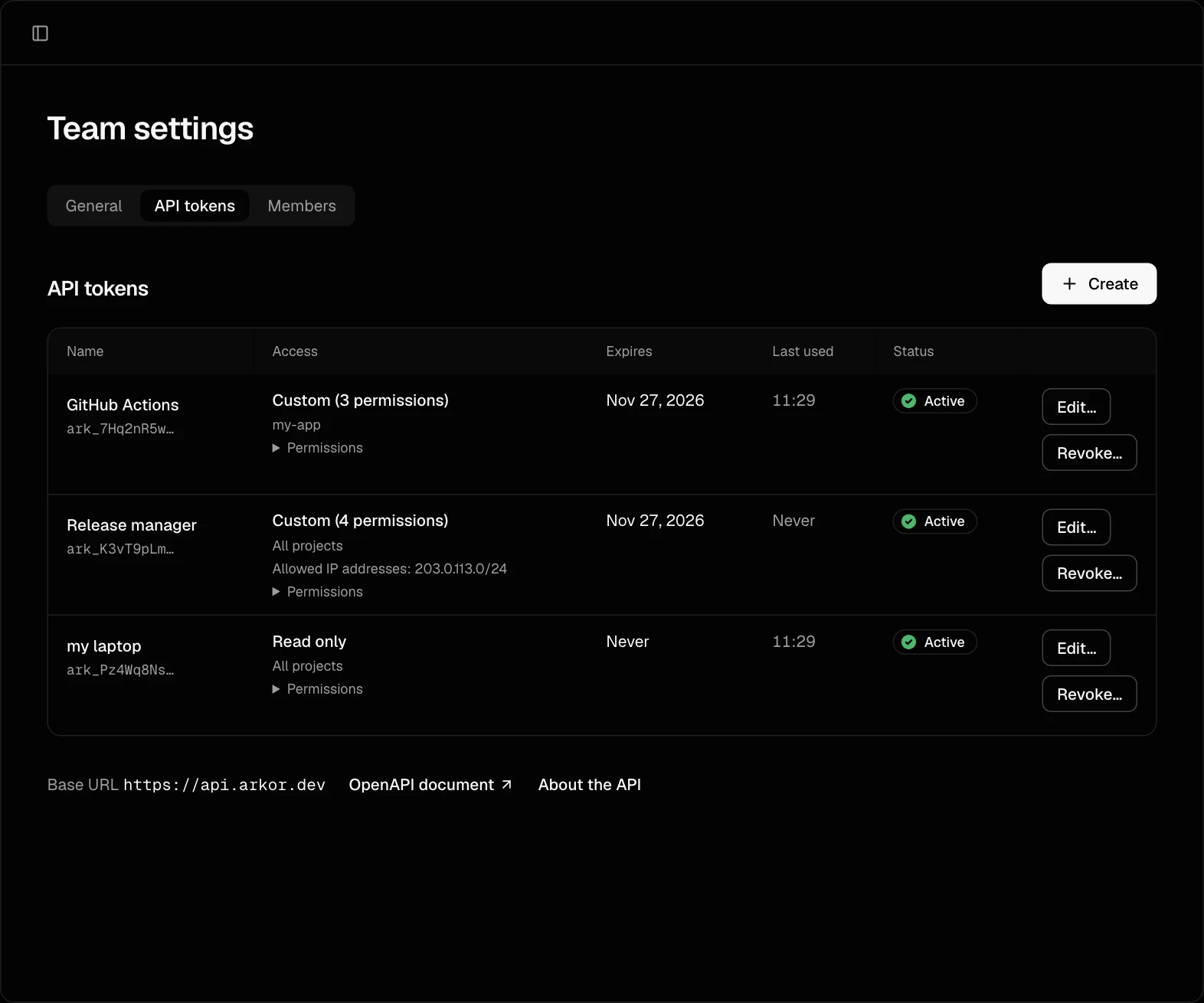
The list shows each token's name, its first characters, what it may do, when it expires and when it was last used. Choose Revoke…, then Revoke. Anything that sends the token is refused from then on; a revoked token cannot be restored.