
Speed Insights
Measure Core Web Vitals from real visits with @vercel/speed-insights.
Arkor collects the Web Vitals that @vercel/speed-insights measures in your visitors' browsers:
LCP, INP, CLS, FCP and TTFB.
Coming from Vercel? An app that already renders
<SpeedInsights />needs no change: deploy it to Arkor, and its measurements appear in Speed Insights. Leave outNEXT_PUBLIC_VERCEL_OBSERVABILITY_BASEPATHandNEXT_PUBLIC_VERCEL_OBSERVABILITY_CLIENT_CONFIGif you copy environment variables over: they point the component at Vercel's paths.
Set it up
-
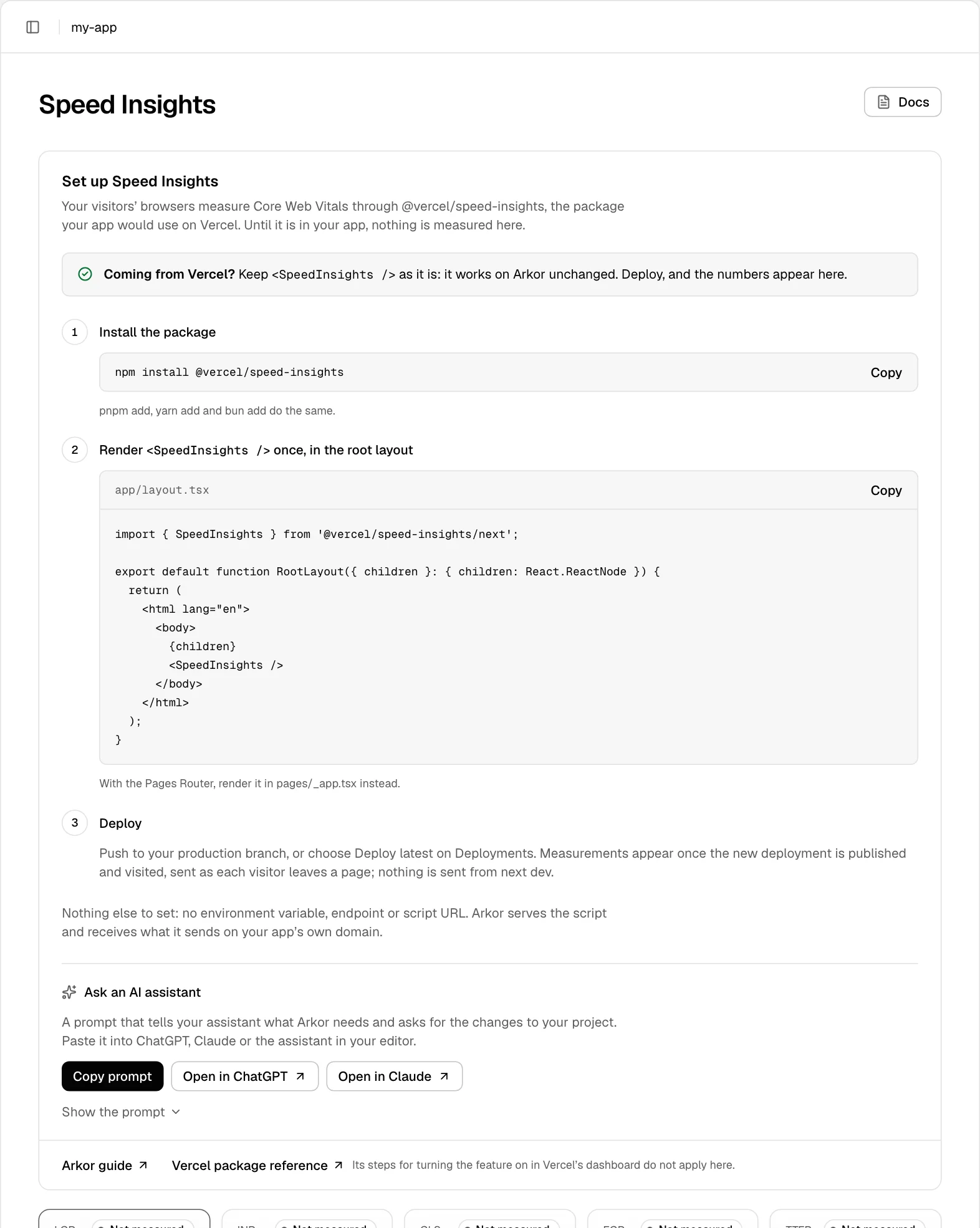
Install the package.
pnpm add,yarn addandbun adddo the same.terminalnpm install @vercel/speed-insights -
Render
<SpeedInsights />once, in your root layout:app/layout.tsximport { SpeedInsights } from '@vercel/speed-insights/next'; export default function RootLayout({ children }: { children: React.ReactNode }) { return ( <html lang="en"> <body> {children} <SpeedInsights /> </body> </html> ); }With the Pages Router, render it in
pages/_app.tsxinstead:pages/_app.tsximport type { AppProps } from 'next/app'; import { SpeedInsights } from '@vercel/speed-insights/next'; export default function App({ Component, pageProps }: AppProps) { return ( <> <Component {...pageProps} /> <SpeedInsights /> </> ); } -
Deploy: push to your production branch, or choose Deploy latest on Deployments. Measurements appear once the new deployment is published and visited, sent as each visitor leaves a page. Nothing is sent from
next dev.
Nothing else is set: no environment variable, and no endpoint, scriptSrc or dsn option. Arkor
serves the script and receives the measurements at /_vercel/speed-insights/* on your app's own
domain. The component's sampleRate and beforeSend options work as documented for
@vercel/speed-insights. It takes its base path from NEXT_PUBLIC_VERCEL_OBSERVABILITY_BASEPATH,
not from a basePath prop: leave that variable unset.
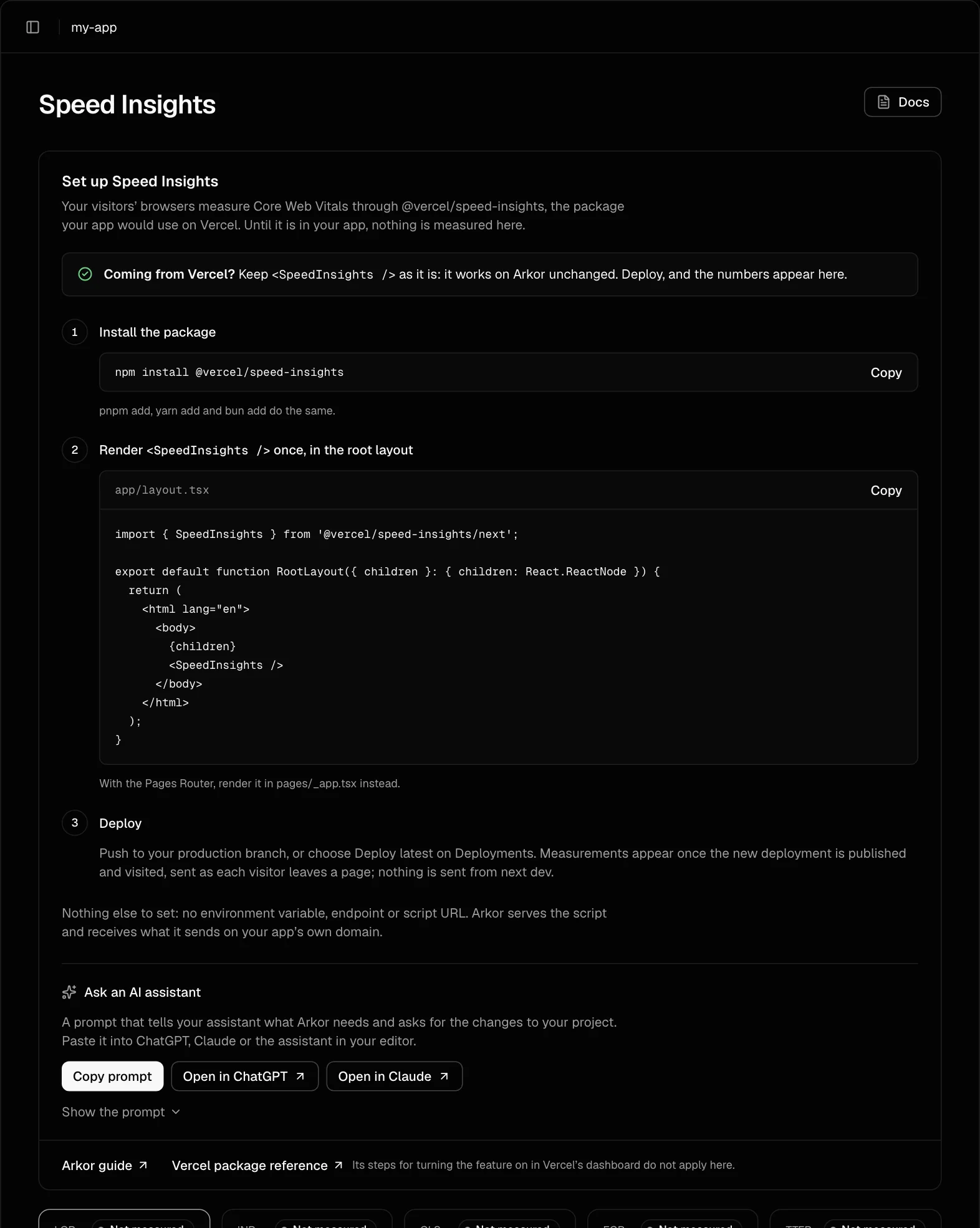
While nothing has been measured, the Speed Insights page shows these steps first, with the command and the file to copy:
The component's options are in Vercel's reference for @vercel/speed-insights. Its steps for turning Speed Insights on in Vercel's dashboard do not apply on Arkor.
Ask an AI assistant
Below the steps, Copy prompt copies a prompt that tells an AI assistant what Arkor needs and asks for the changes to your project. Paste it into the assistant in your editor, or choose Open in ChatGPT or Open in Claude to start a conversation with it. The prompt reads:
I host a Next.js app on Arkor (https://www.arkor.dev), a hosting platform that collects Speed Insights through Vercel’s own package, @vercel/speed-insights, unchanged. Help me set it up in my project.

What Arkor needs:
1. The @vercel/speed-insights package, installed with the package manager my project already uses.
2. <SpeedInsights /> from "@vercel/speed-insights/next", rendered once in the root layout (app/layout.tsx, inside <body>). With the Pages Router, it goes in pages/_app.tsx instead.
3. Nothing else: no environment variable, and no endpoint, scriptSrc or dsn option. Arkor serves the script and receives the measurements at /_vercel/speed-insights/* on the app’s own domain. If NEXT_PUBLIC_VERCEL_OBSERVABILITY_BASEPATH or NEXT_PUBLIC_VERCEL_OBSERVABILITY_CLIENT_CONFIG is set in my project, it has to go.

If my app already renders <SpeedInsights /> from @vercel/speed-insights, say so: it needs no change. Its sampleRate and beforeSend options work as documented.

Look at my project, tell me exactly what to change, and show the finished files. Measurements appear once the new deployment is published and visited, sent as each visitor leaves a page; nothing is sent from next dev.

Arkor’s guide: https://www.arkor.dev/docs/observability/speed-insights#set-it-up
The package’s reference: https://vercel.com/docs/speed-insights/package
Read the numbers
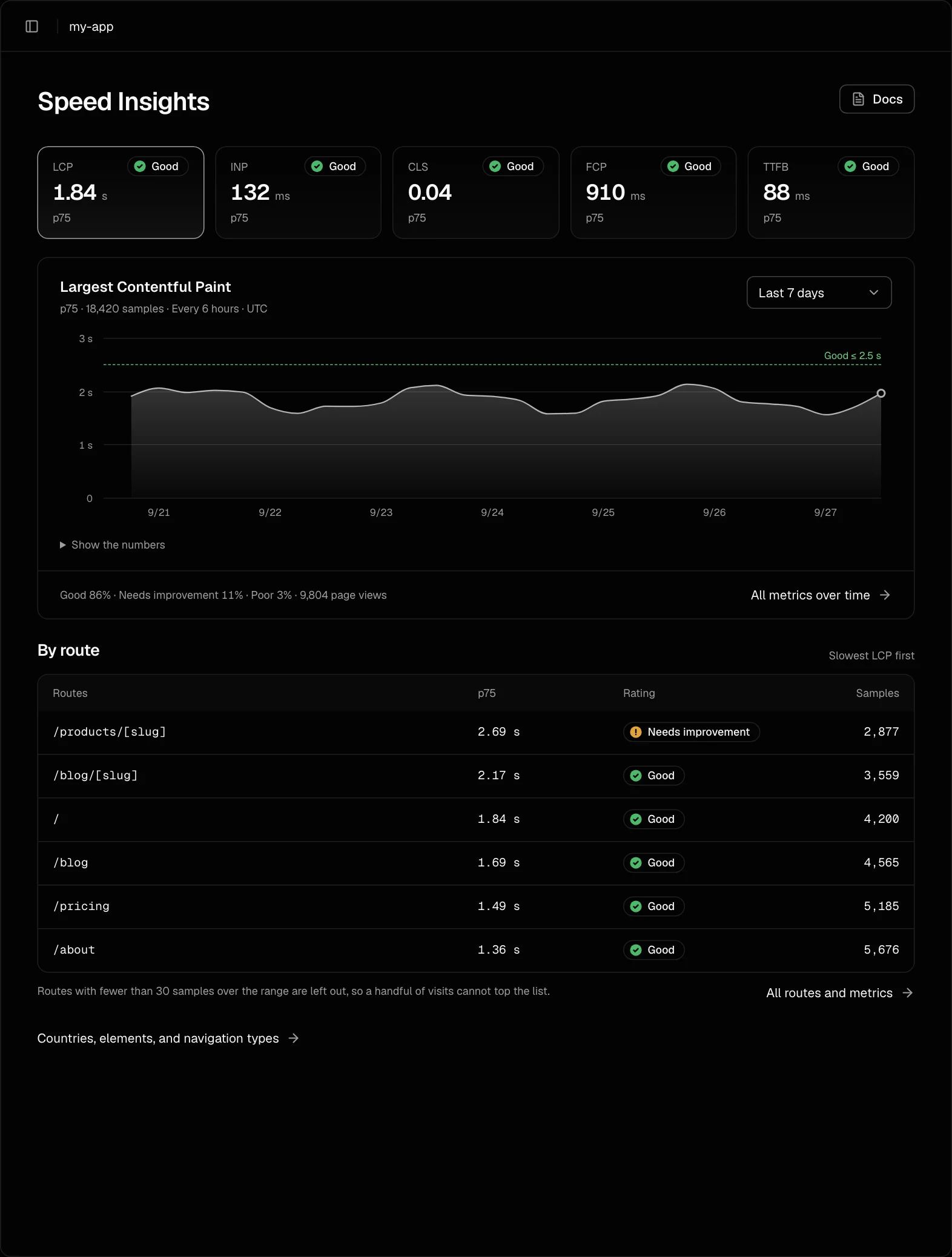
Open Speed Insights in the project's sidebar. Each metric shows its 75th percentile over the range and a rating: Good, Needs improvement or Poor. Choose a metric to chart it, and a range of Last 24 hours, Last 7 days or Last 30 days.
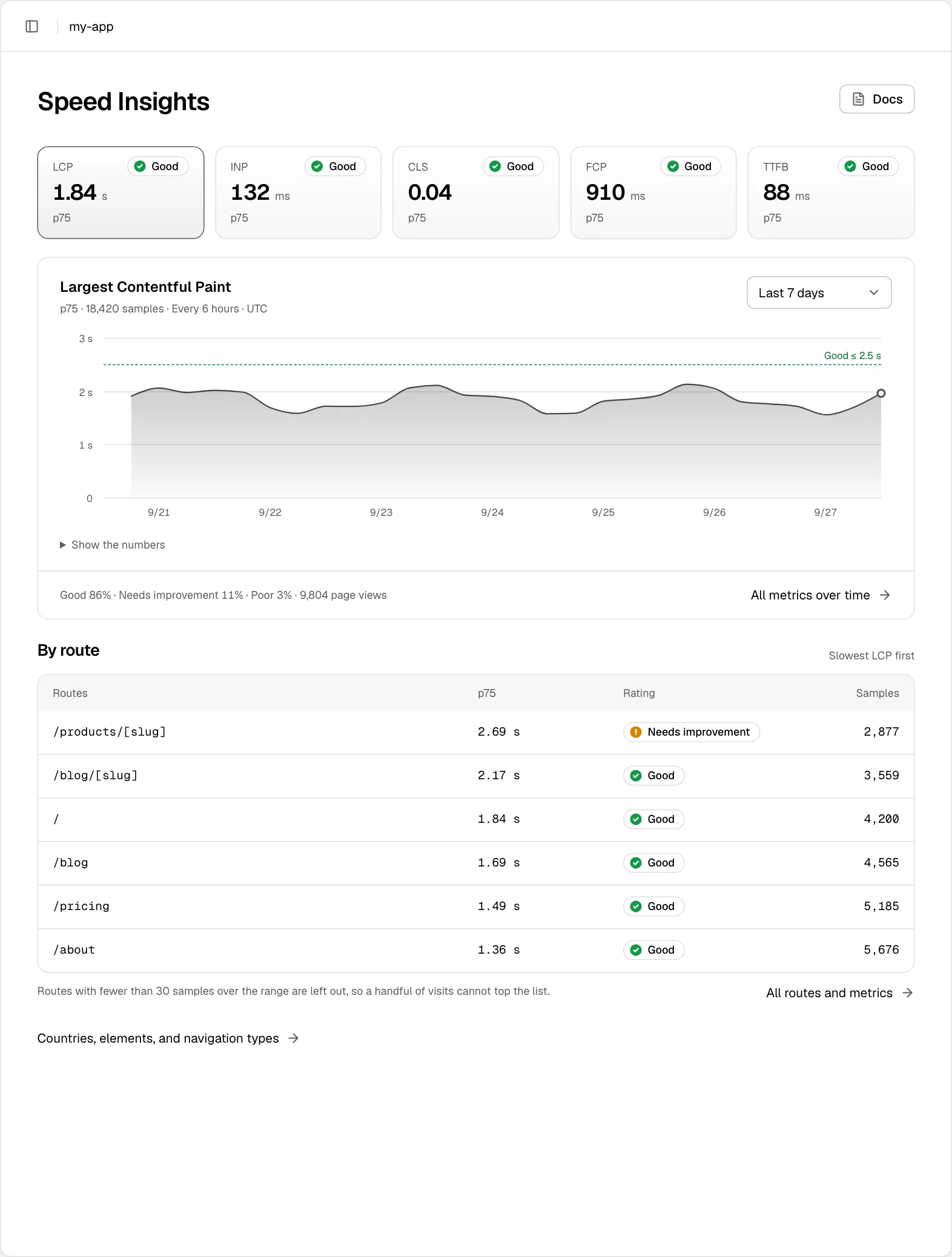
- By route ranks your routes, slowest first. Choose a route to see its metrics alone. Routes with fewer than 30 samples in the range are left out.
- All routes and metrics shows every metric for every route, sortable.
- All metrics over time charts the five metrics side by side.
- Countries, elements, and navigation types breaks a metric down by the visitor's country, by the page element it was measured on, and by how the page was reached.
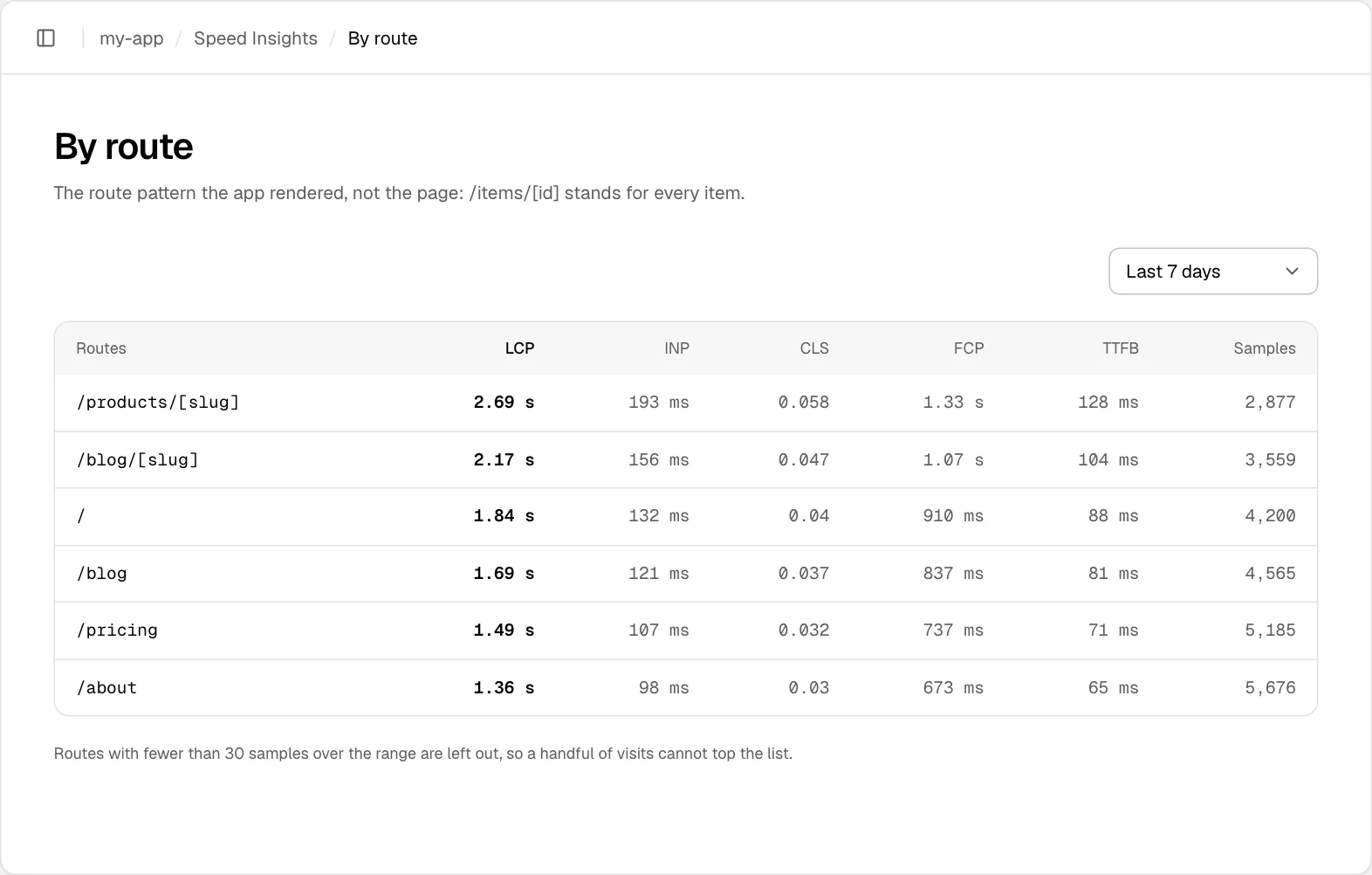
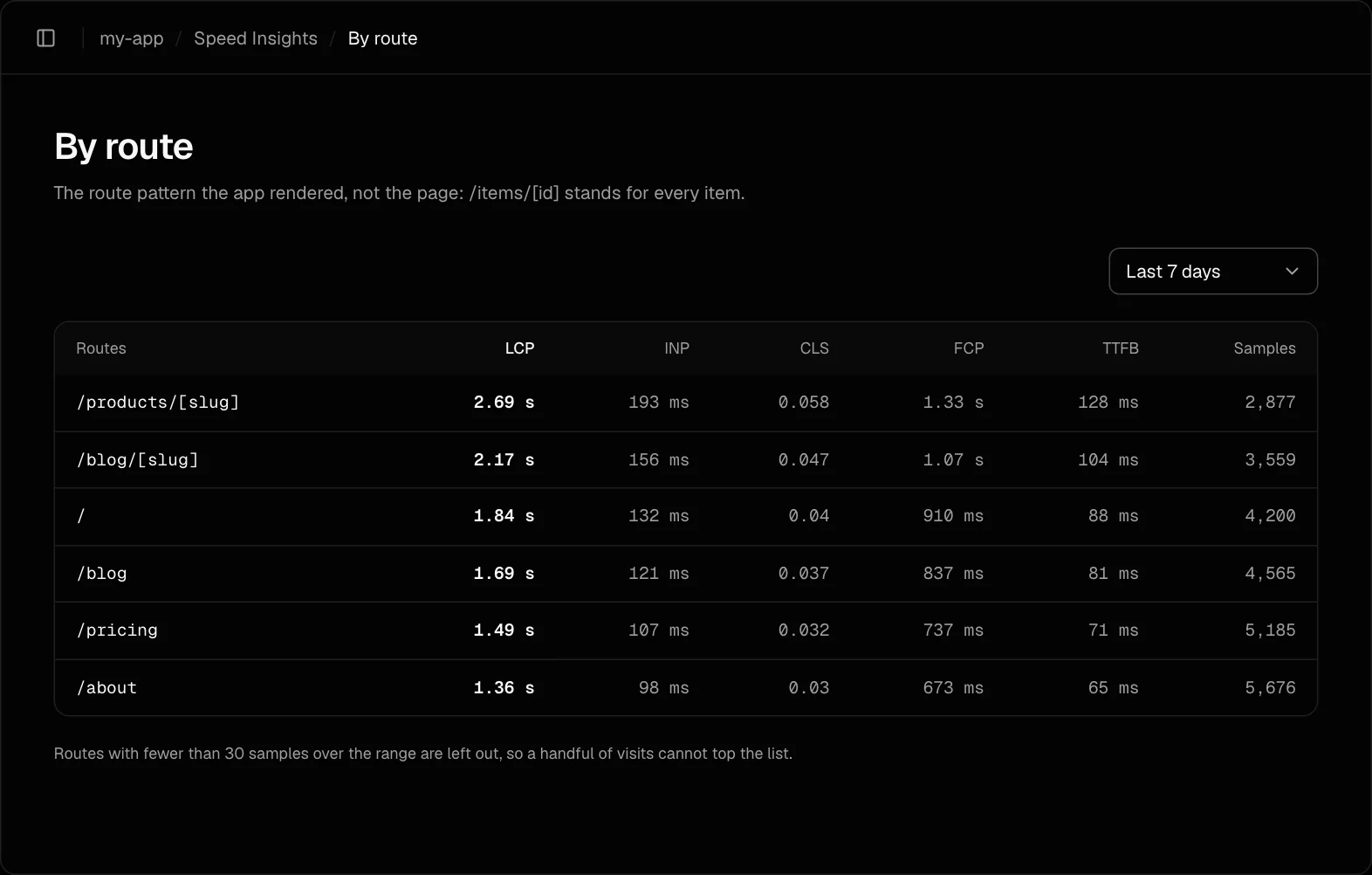
Charts of hours are shown in your time zone, which the chart names; see Account settings. A chart of days counts UTC days. Data is kept for three months.
If nothing appears
- Measurements are sent when a visitor leaves or hides the page. Visit the published site, then
switch tabs.
next devsends nothing. - In the browser's developer tools, the page should load
/_vercel/speed-insights/script.jsfrom your own domain. If it loads it from elsewhere, removeNEXT_PUBLIC_VERCEL_OBSERVABILITY_BASEPATHandNEXT_PUBLIC_VERCEL_OBSERVABILITY_CLIENT_CONFIGfrom the project's environment variables, and thescriptSrc,endpointanddsnoptions from<SpeedInsights />. - A strict Content Security Policy with a nonce blocks the script the component adds.
- A client-side navigation is measured only in browsers that report soft navigations, so most numbers come from full page loads.
- With Access protection on, only visitors who have come through the gate are measured.