
Web Analytics
Count page views, visitors and custom events with @vercel/analytics, without cookies.
Arkor collects what @vercel/analytics reports, the same <Analytics /> component and track()
function you would use on Vercel. There is nothing to configure, and no cookie is set in your
visitors' browsers.
Coming from Vercel? An app that already renders
<Analytics />needs no change: deploy it to Arkor, and its page views appear in Web Analytics. Leave outNEXT_PUBLIC_VERCEL_OBSERVABILITY_BASEPATHandNEXT_PUBLIC_VERCEL_OBSERVABILITY_CLIENT_CONFIGif you copy environment variables over: they point the component at Vercel's paths.
Set it up
-
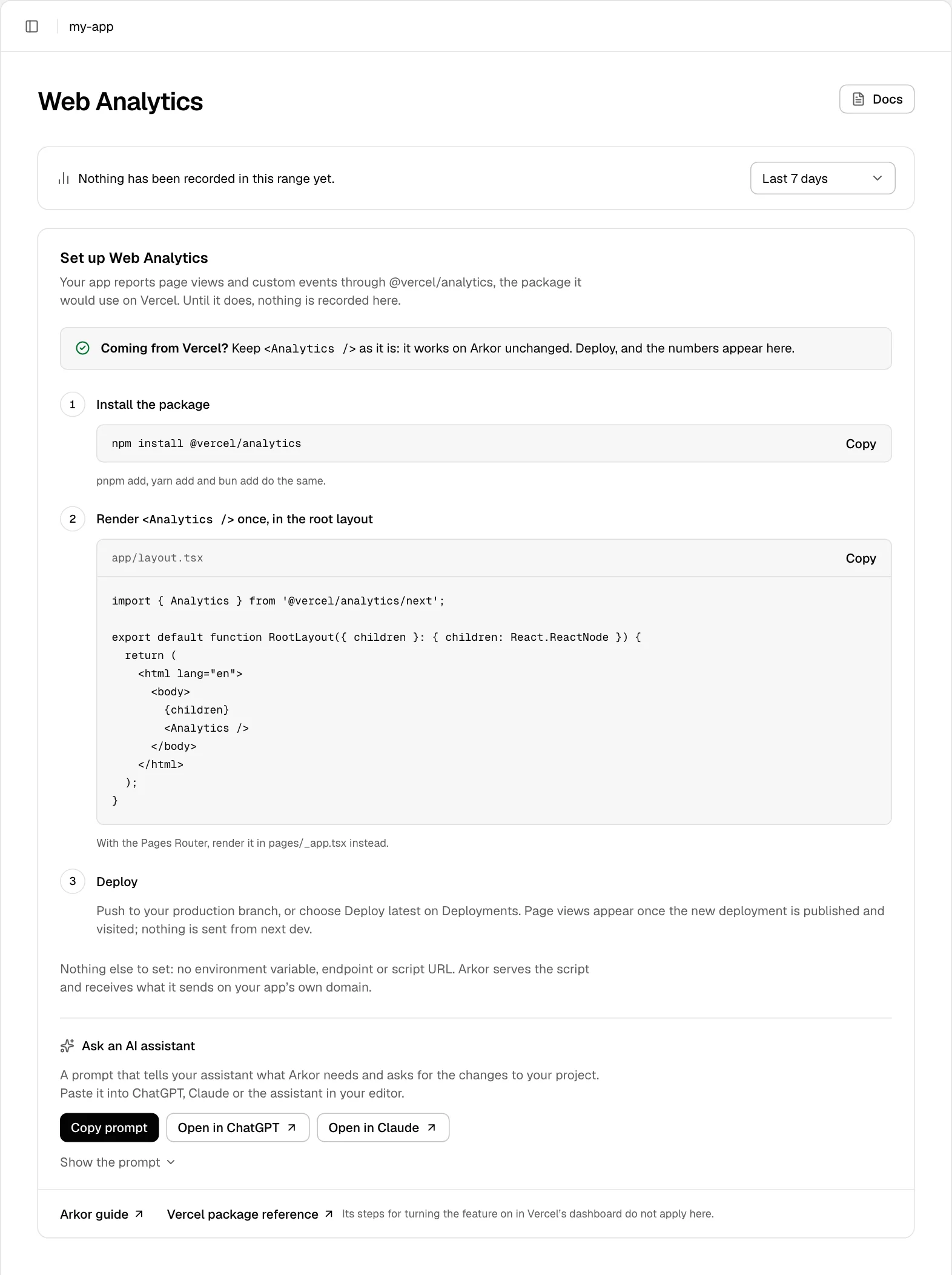
Install the package.
pnpm add,yarn addandbun adddo the same.terminalnpm install @vercel/analytics -
Render
<Analytics />once, in your root layout:app/layout.tsximport { Analytics } from '@vercel/analytics/next'; export default function RootLayout({ children }: { children: React.ReactNode }) { return ( <html lang="en"> <body> {children} <Analytics /> </body> </html> ); }With the Pages Router, render it in
pages/_app.tsxinstead:pages/_app.tsximport type { AppProps } from 'next/app'; import { Analytics } from '@vercel/analytics/next'; export default function App({ Component, pageProps }: AppProps) { return ( <> <Component {...pageProps} /> <Analytics /> </> ); } -
Deploy: push to your production branch, or choose Deploy latest on Deployments. Page views appear once the new deployment is published and visited. Nothing is sent from
next dev.
Nothing else is set: no environment variable, and no endpoint, scriptSrc or basePath option.
Arkor serves the script and receives page views at /_vercel/insights/* on your app's own domain.
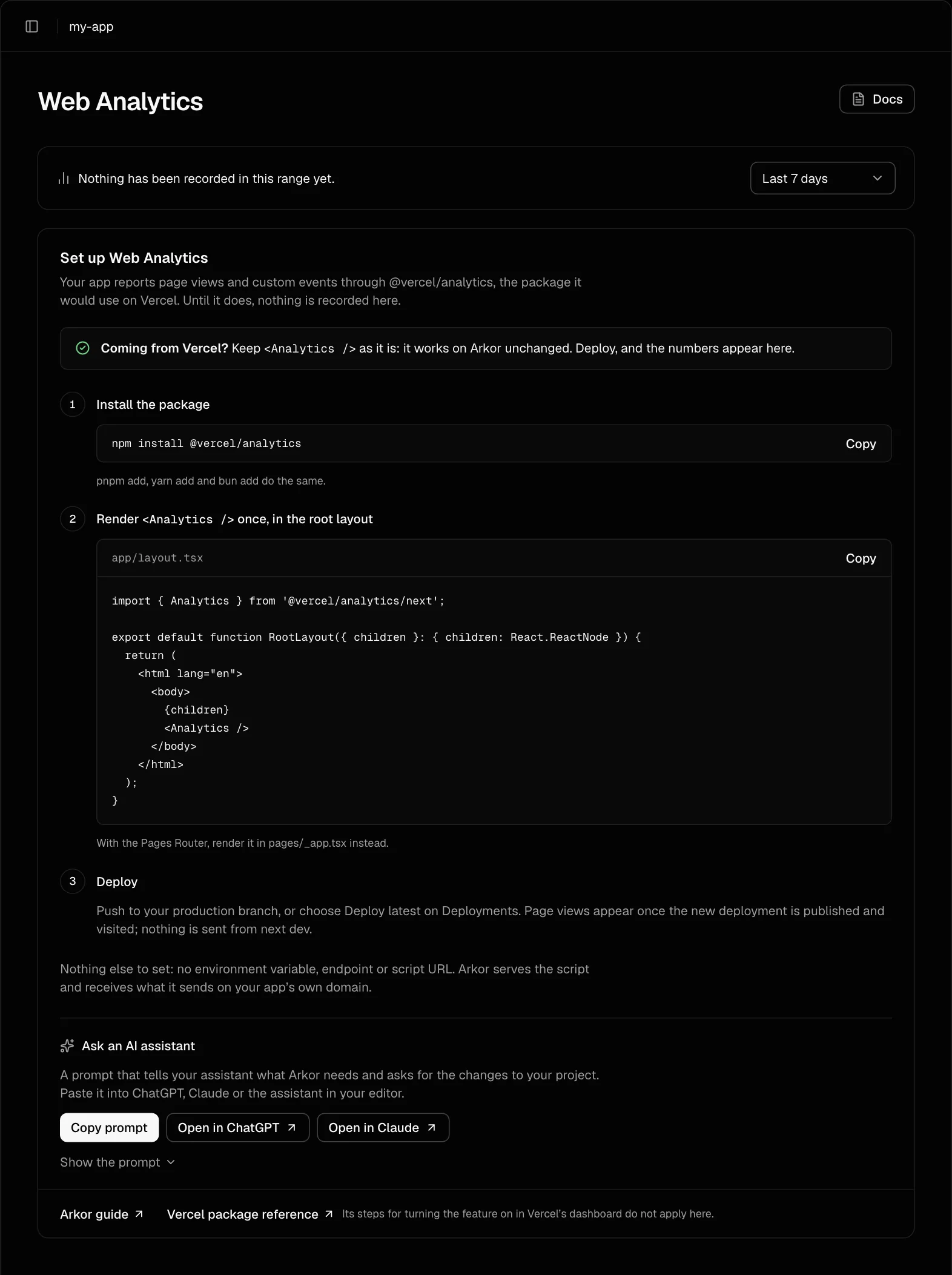
While nothing has been recorded, the Web Analytics page shows these steps, with the command and the file to copy:
The component's options are in Vercel's reference for @vercel/analytics. Its steps for turning Web Analytics on in Vercel's dashboard do not apply on Arkor.
Ask an AI assistant
Below the steps, Copy prompt copies a prompt that tells an AI assistant what Arkor needs and asks for the changes to your project. Paste it into the assistant in your editor, or choose Open in ChatGPT or Open in Claude to start a conversation with it. The prompt reads:
I host a Next.js app on Arkor (https://www.arkor.dev), a hosting platform that collects Web Analytics through Vercel’s own package, @vercel/analytics, unchanged. Help me set it up in my project.

What Arkor needs:
1. The @vercel/analytics package, installed with the package manager my project already uses.
2. <Analytics /> from "@vercel/analytics/next", rendered once in the root layout (app/layout.tsx, inside <body>). With the Pages Router, it goes in pages/_app.tsx instead.
3. Nothing else: no environment variable, and no endpoint, scriptSrc or basePath option. Arkor serves the script and receives page views at /_vercel/insights/* on the app’s own domain. If NEXT_PUBLIC_VERCEL_OBSERVABILITY_BASEPATH or NEXT_PUBLIC_VERCEL_OBSERVABILITY_CLIENT_CONFIG is set in my project, it has to go.

If my app already renders <Analytics /> from @vercel/analytics, say so: it needs no change.
Custom events use track(): from "@vercel/analytics" in client code, and from "@vercel/analytics/server" in Server Actions and route handlers.

Look at my project, tell me exactly what to change, and show the finished files. Page views appear once the new deployment is published and visited; nothing is sent from next dev.

Arkor’s guide: https://www.arkor.dev/docs/observability/web-analytics#set-it-up
The package’s reference: https://vercel.com/docs/analytics/package
Custom events
Call track() with an event name and, optionally, a few properties:
'use client';

import { track } from '@vercel/analytics';

export function SignupButton() {
  return <button onClick={() => track('Signup', { plan: 'pro' })}>Sign up</button>;
}
track() from @vercel/analytics/server works in Server Actions and route handlers too.
An event name may be up to 256 characters, with up to 20 properties. A property's key may be up to
64 characters, and its value a string of up to 512 characters, a number, a boolean or null.
Read the numbers
Open Web Analytics in the project's sidebar. Choose Visitors, Page views or Events, and a range of Last 24 hours, Last 7 days or Last 30 days.
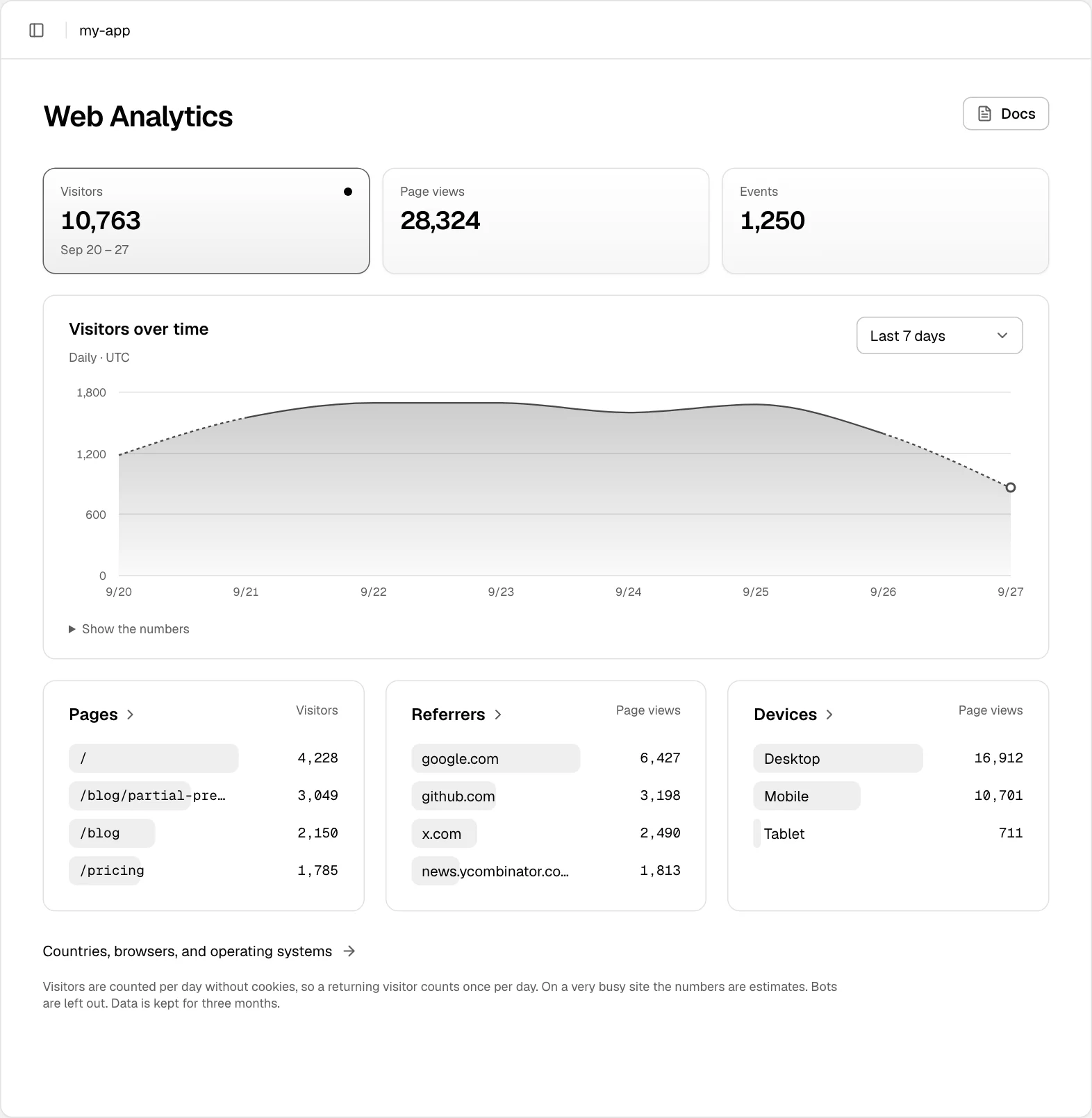
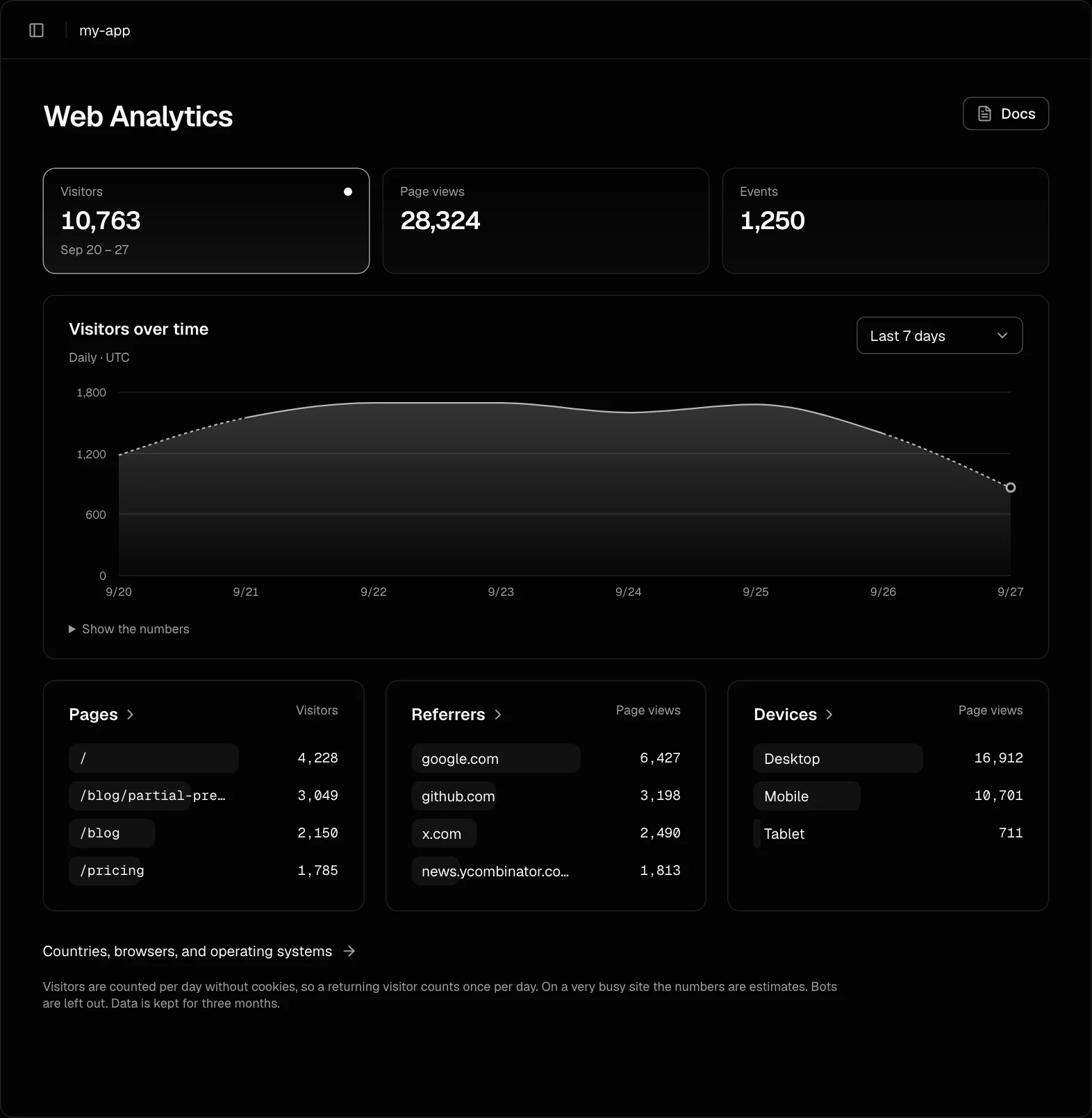
Choose Pages, Referrers or Devices for the whole list, and Countries, browsers, and operating systems for the rest.
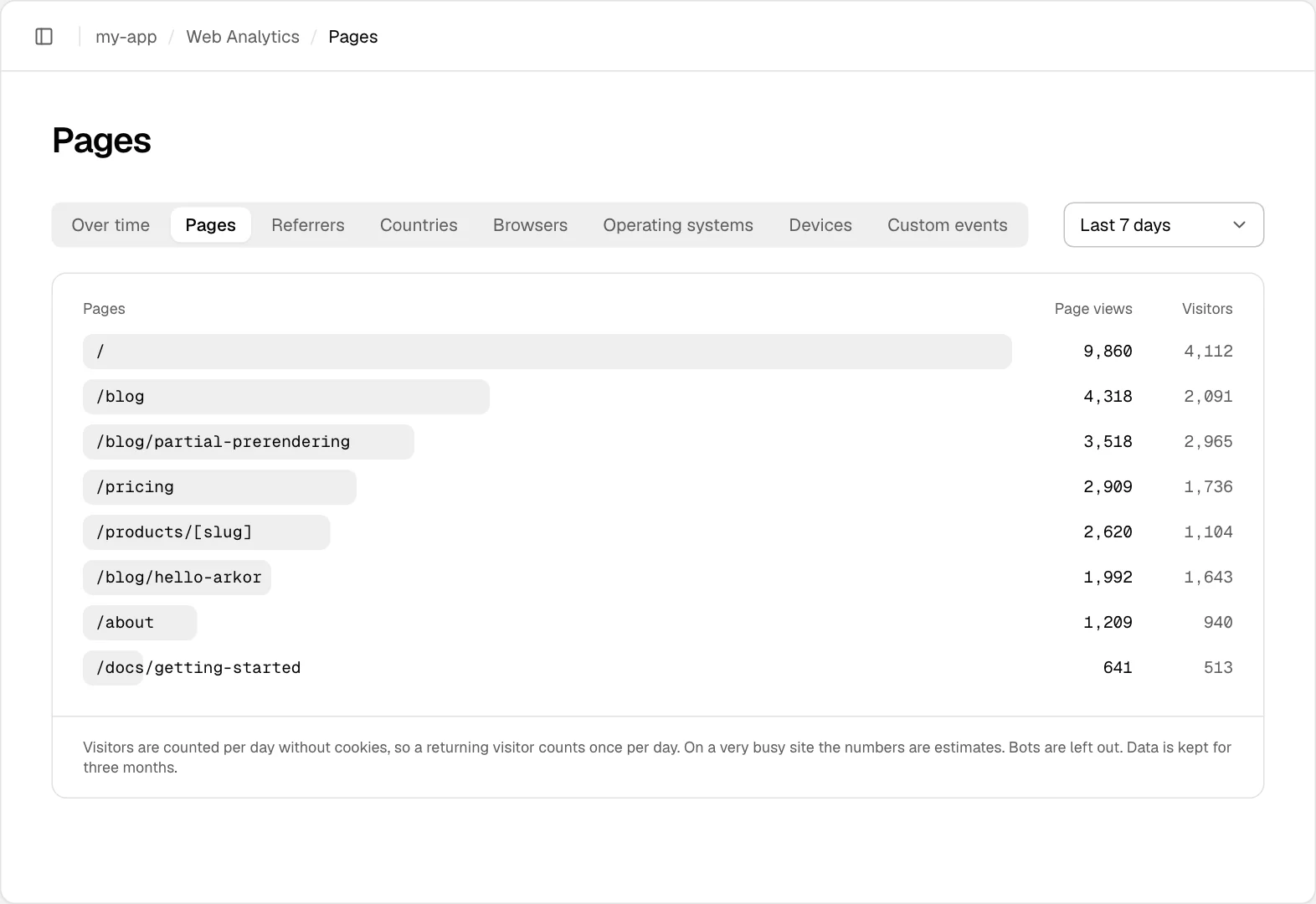
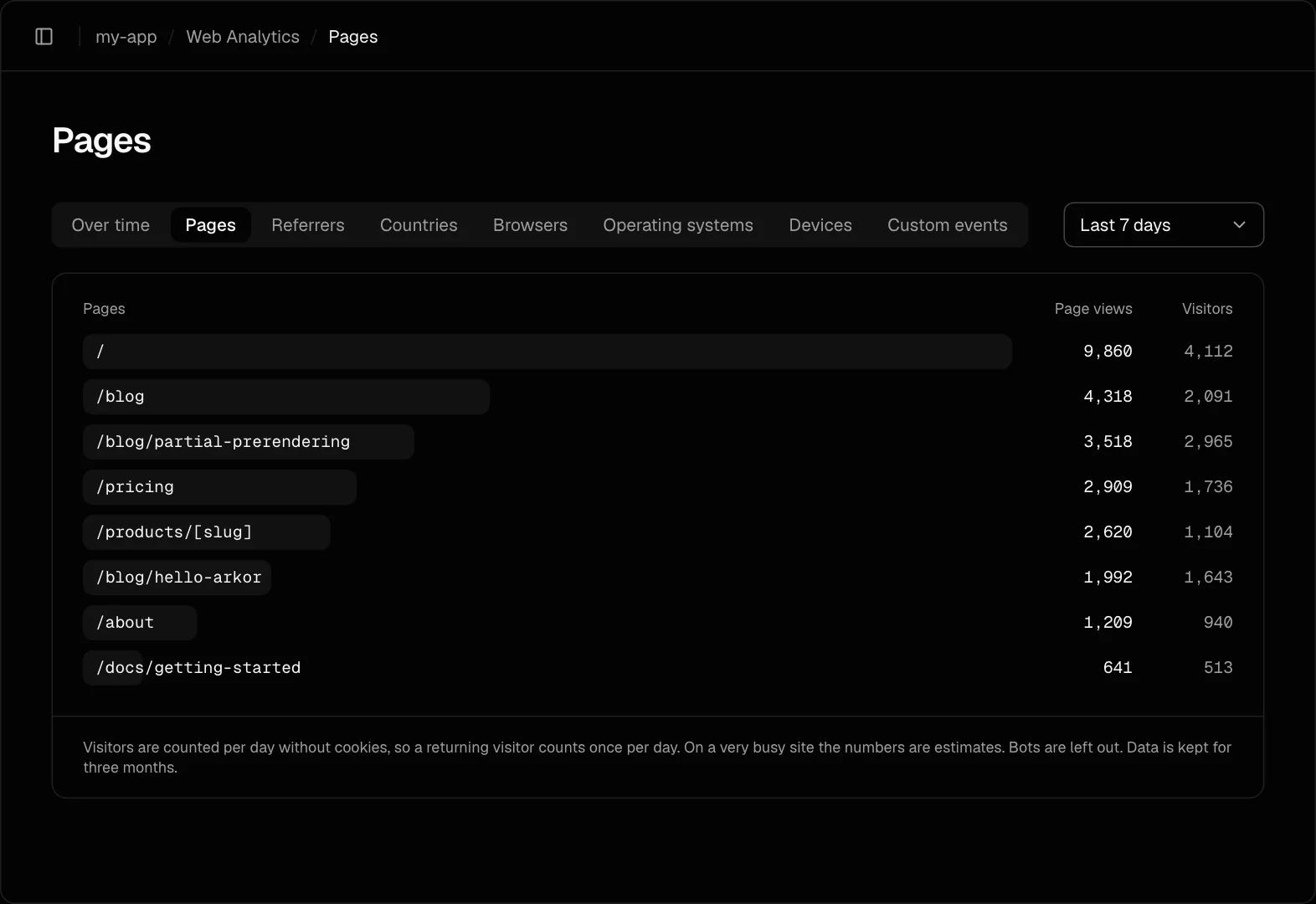
Custom events are counted by name over the whole range, with no chart over time.
The hours of Last 24 hours are shown in your time zone, which the chart names; see Account settings. The days of a longer range are UTC days, as visitors are counted by the UTC day.
How visitors are counted
A visitor is counted once per day, without a cookie: someone who comes back the next day counts again. Bots are left out. On a very busy site the numbers are estimates. Data is kept for three months.
Page views are collected at /_vercel/insights/* on your own domain; your middleware does not run
for those paths.
If nothing appears
- Visit the published site, not
next dev, which sends nothing. In the browser's developer tools, the page should load/_vercel/insights/script.jsfrom your own domain. - Remove
NEXT_PUBLIC_VERCEL_OBSERVABILITY_BASEPATHandNEXT_PUBLIC_VERCEL_OBSERVABILITY_CLIENT_CONFIGfrom the project's environment variables, and thescriptSrc,endpoint,viewEndpointandeventEndpointoptions from<Analytics />: each sends page views somewhere Arkor does not collect them. - With Access protection on, only visitors who have come through the gate are counted.