
Deleting a project
Delete a project, and undo the deletion within seven days.
Delete a project
- Open the project's Settings › Advanced, and choose Delete this project….
- Type the project's name to confirm.
- Choose Delete this project.
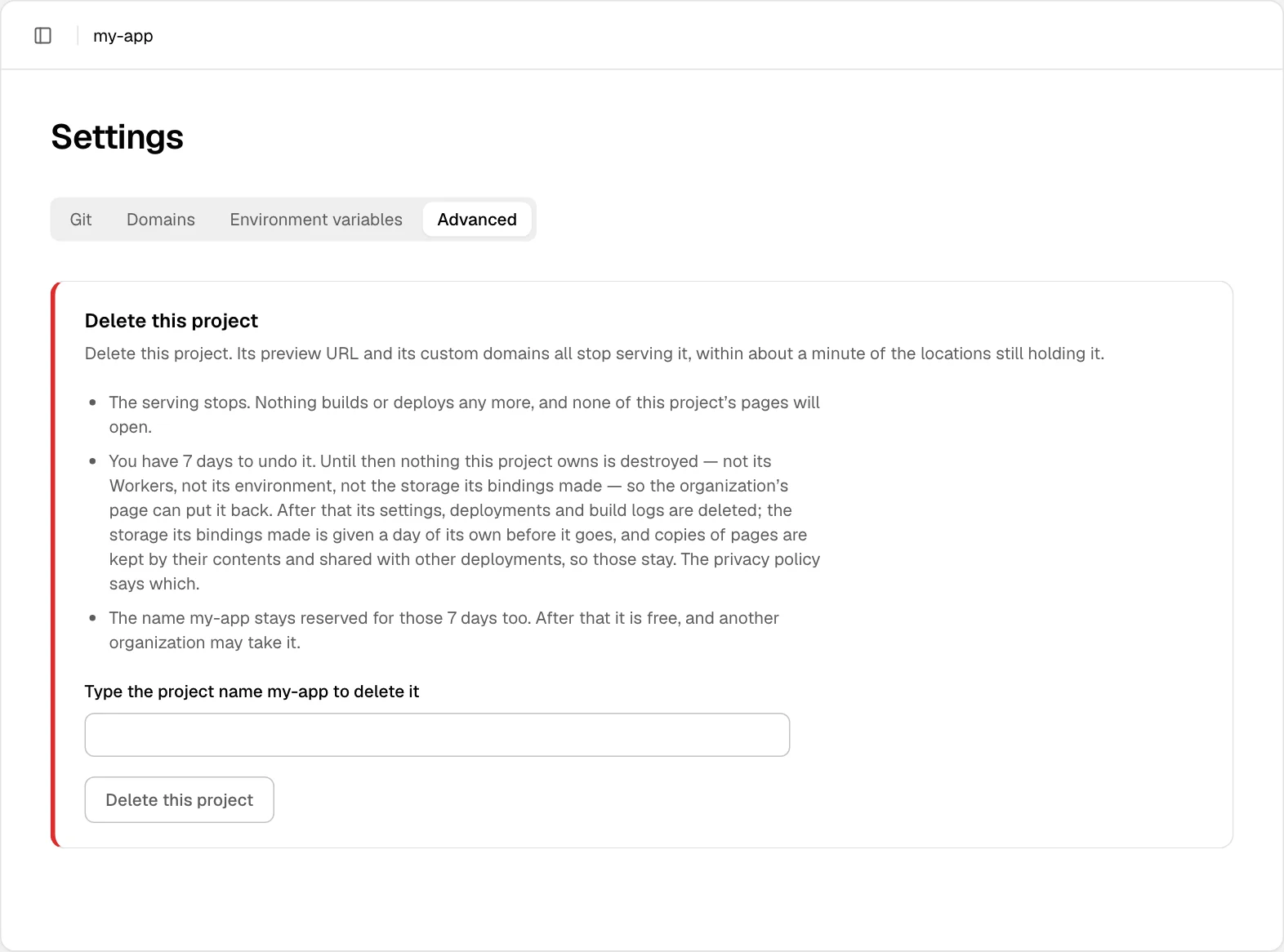
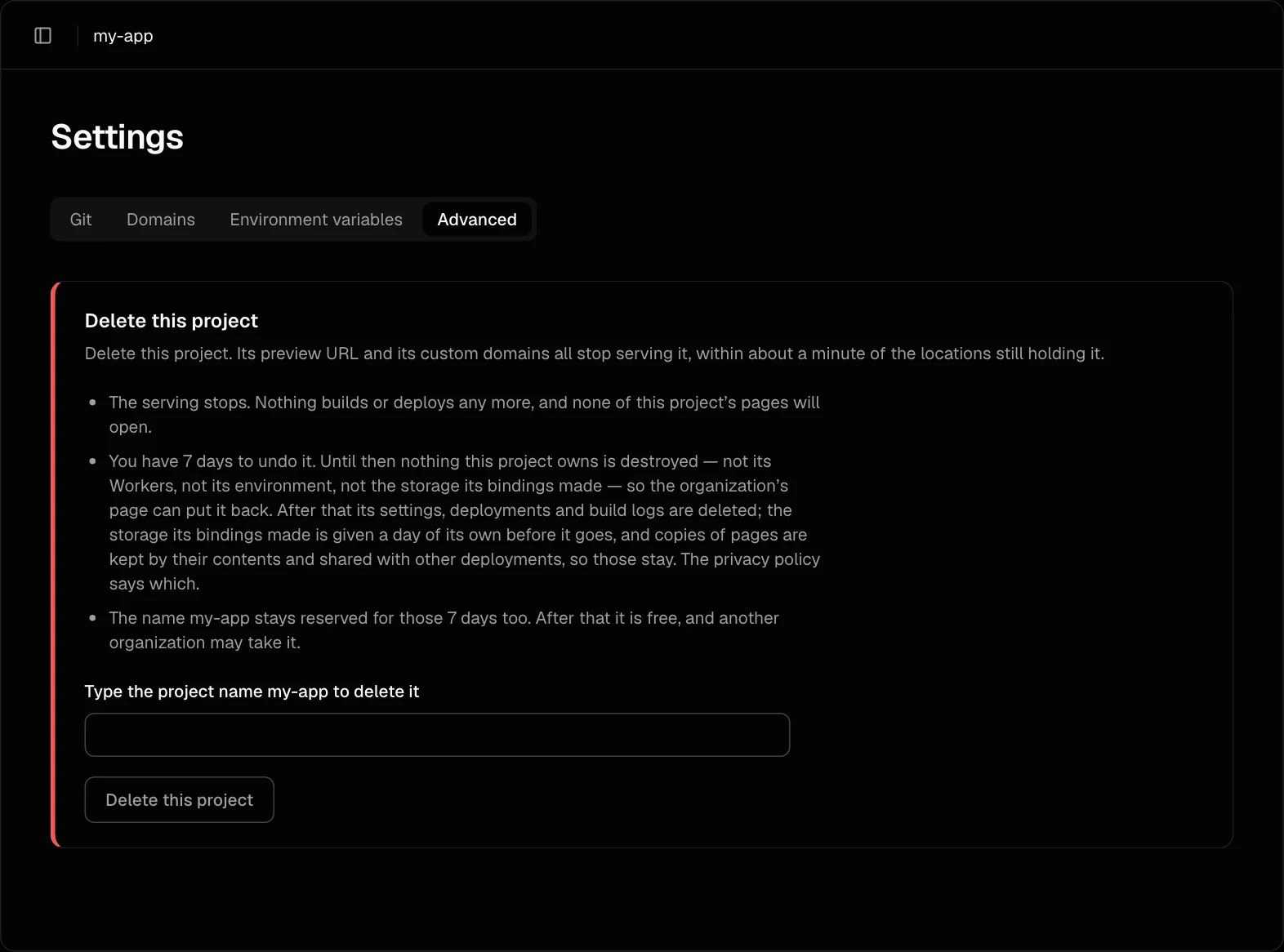
Owners and admins of the team can delete a project.
What happens:
- The project stops being served within about a minute, at
<project>.arkor.appand at every custom domain. Nothing is built or deployed any more. - Its email stops at once, and undoing the deletion does not bring it back: the project's sending settings and domain grants are removed, its sending keys are revoked, and messages still queued are cancelled. Verified-domain delivery, which the operator enables for the project, is turned off.
- For 7 days, nothing else the project owns is destroyed, and the deletion can be undone.
- The project's address label stays reserved for those 7 days. After that, anyone may take it.
- After 7 days, the project's settings, deployments and build logs are deleted. Its storage is kept for one more day, then deleted with the data in it.
Undo a deletion
For 7 days, the deleted project is listed under Being deleted on the Projects page. Choose Undo the deletion. The project comes back and publishes again the deployment it was serving. Its email does not: enable it again in Sending settings, grant its domains and create new sending keys. Sending from your own domains also needs the operator to enable verified-domain delivery for the project again.
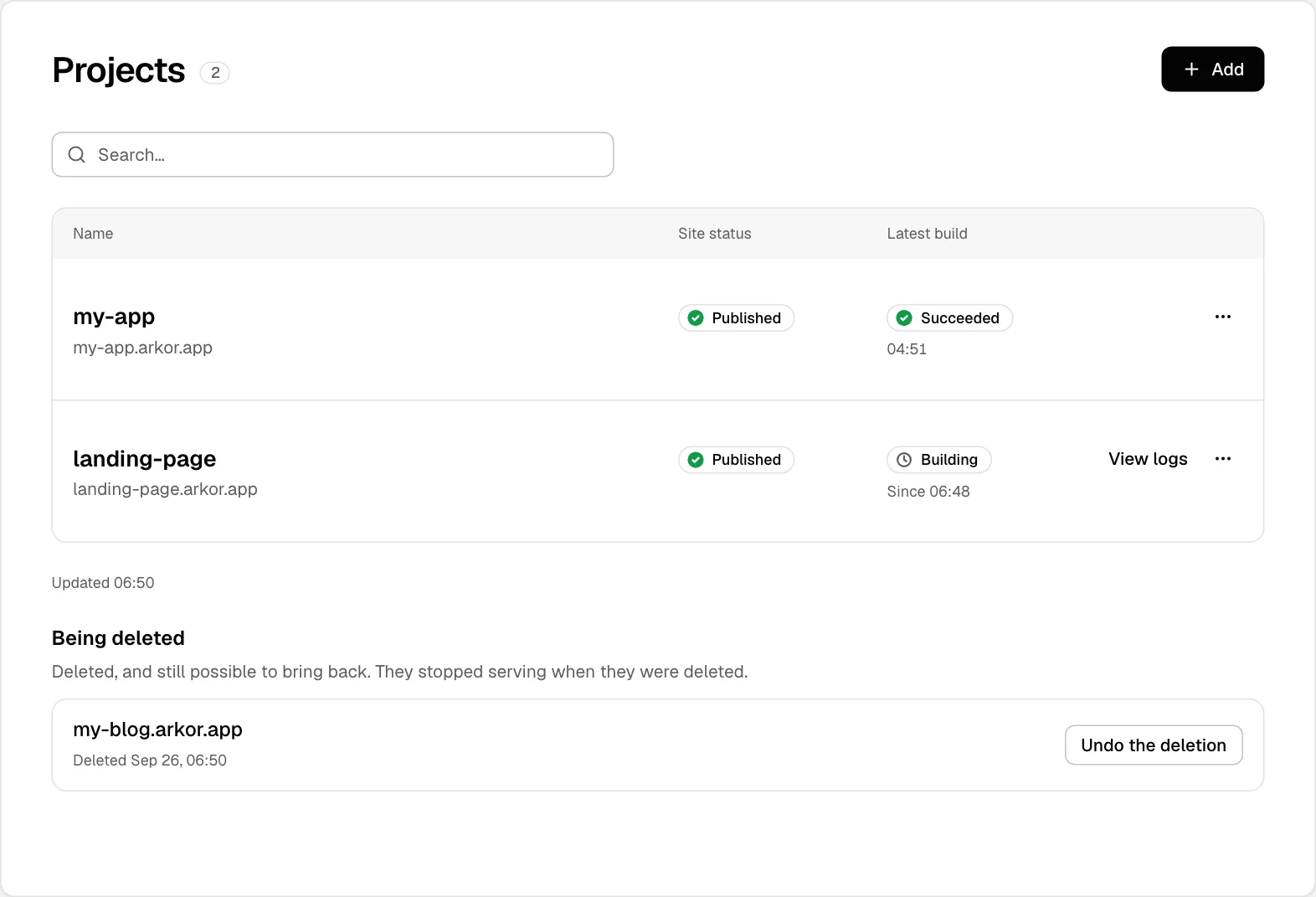
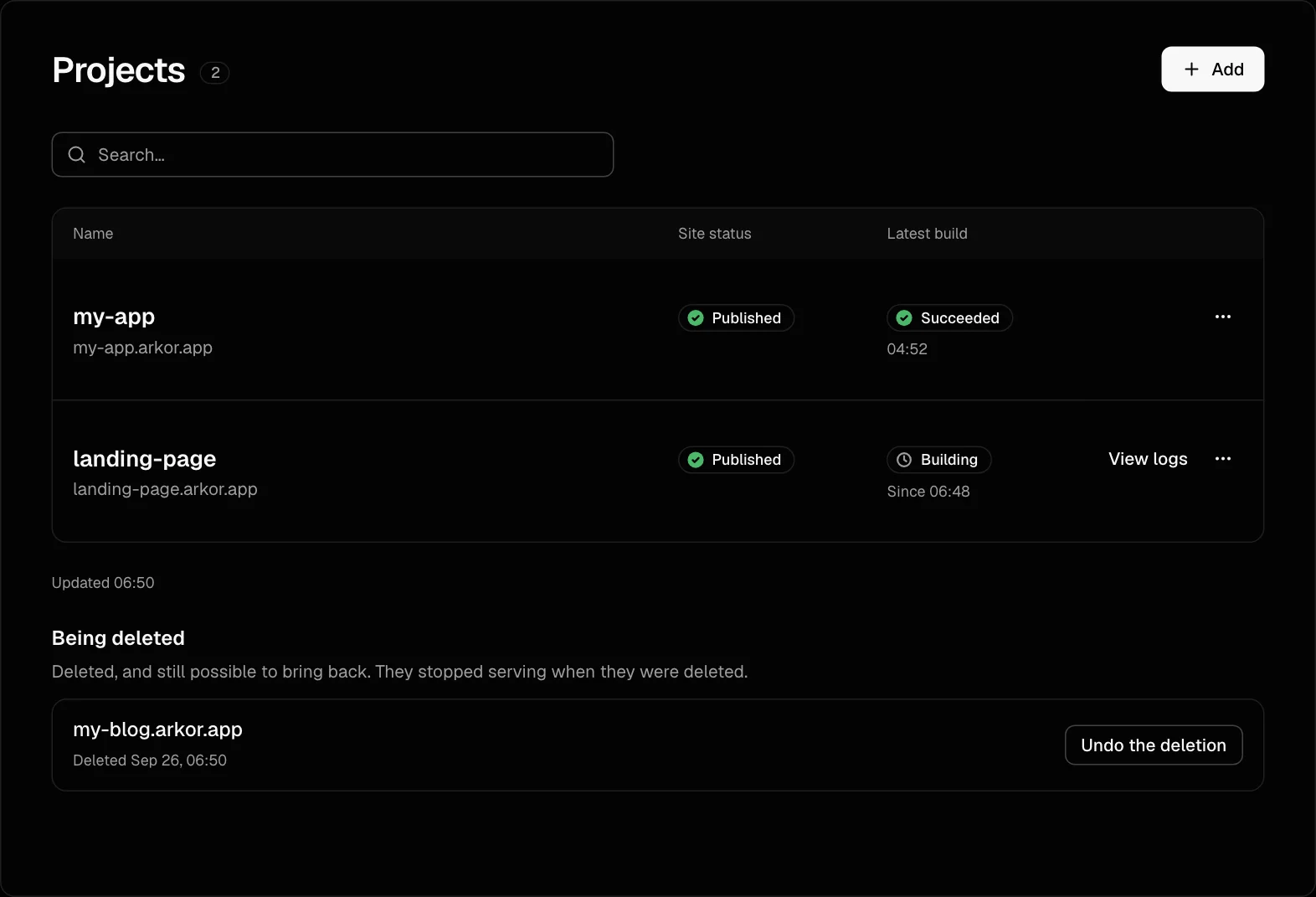
Undoing a deletion needs an active plan.
Moving a custom domain to another project
A deleted project keeps its custom domains until the 7 days are over. To move a domain to another project sooner, undo the deletion, remove the domain from the project, then delete the project again.