
Environment variables
Set the variables your app is built and runs with, and keep secrets out of sight.
A project's environment variables are available to next build and to your app at runtime, through
process.env.
Add or change variables
- Open the project's Settings › Environment variables.
- Choose Add, and enter a Name and a Value. Tick Secret for a value that must not be shown again, such as a password or an API key.
- Choose Save changes.
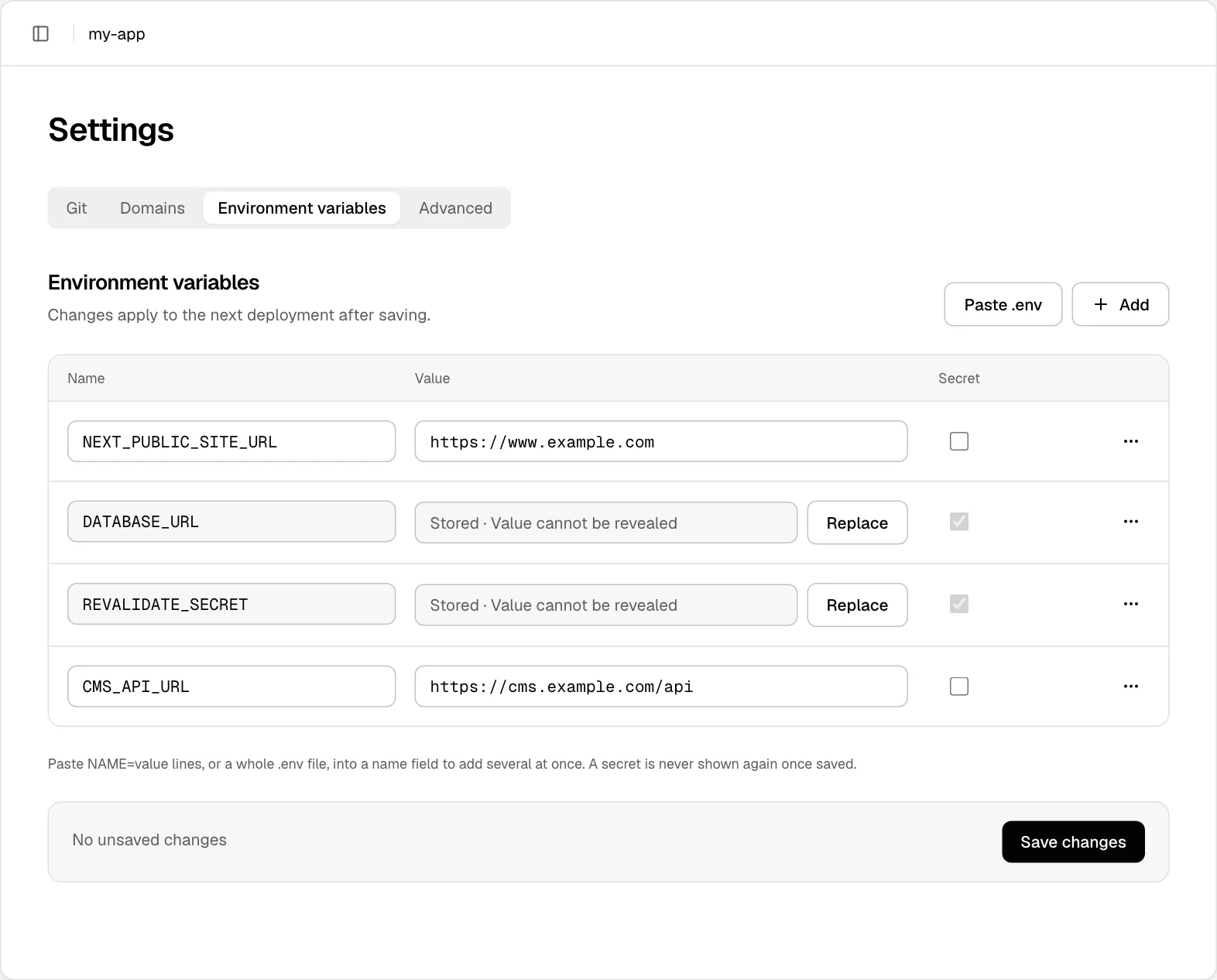
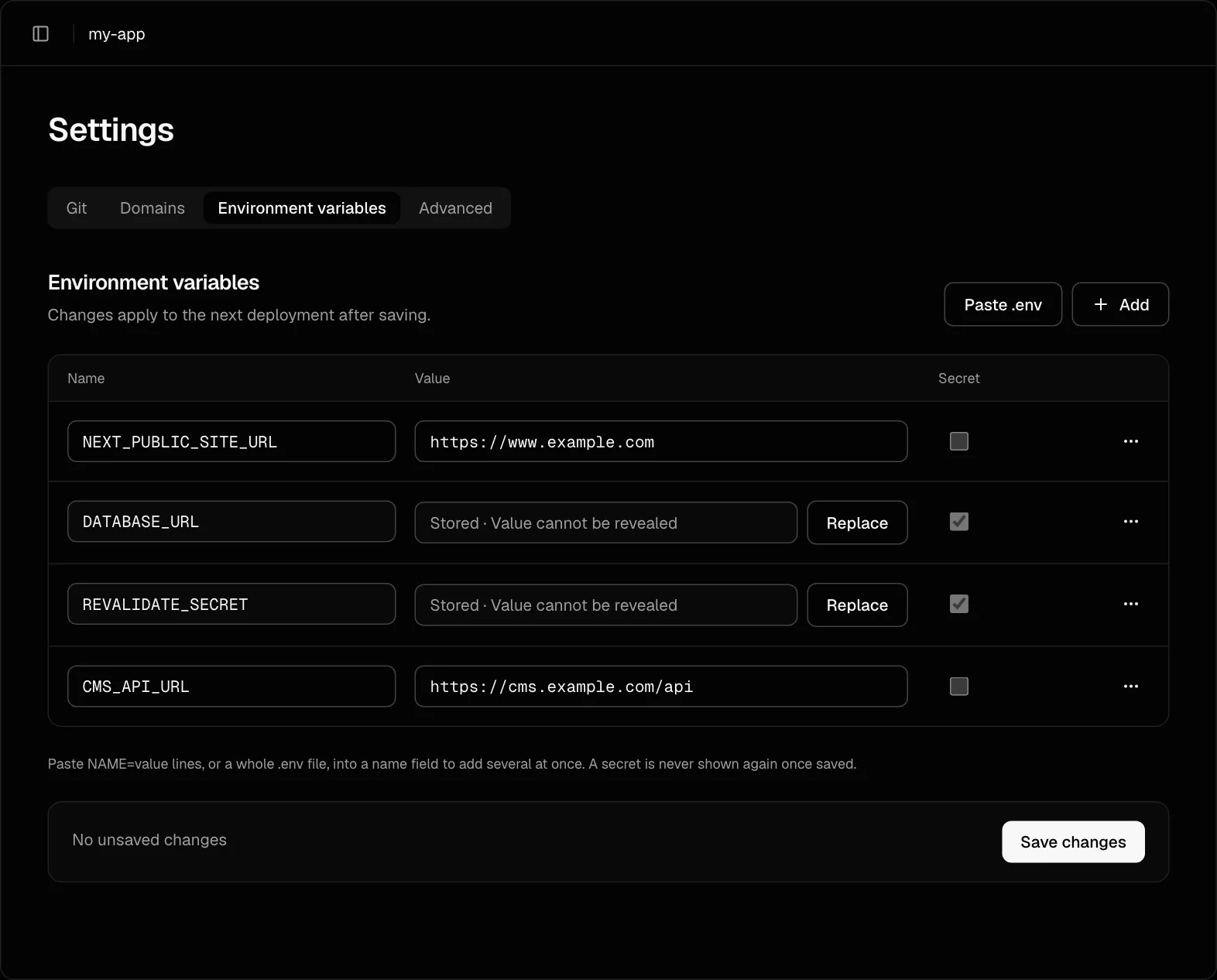
Changes apply to the next deployment. A deployment keeps the values it was built with, so the one being served does not change. To apply a change now, choose Deploy latest on the Deployments page.
Production and preview
Under Read by, choose which deployments read a variable: Production, Preview (preview deployments of other branches), or both. To give one name a value for production and another for preview, add a row for each. A variable saved before there were previews is read by production alone: tick Preview as well for a preview to have it.
Paste a .env file
Choose Paste .env, paste the file's contents and choose Add variables. NAME=value lines
are added to the table; comments and blank lines are skipped, and a quoted value keeps its line
breaks. Nothing is saved until you choose Save changes. Pasted rows are plain variables read by
production: tick Secret and Preview on the rows that need them before you save.
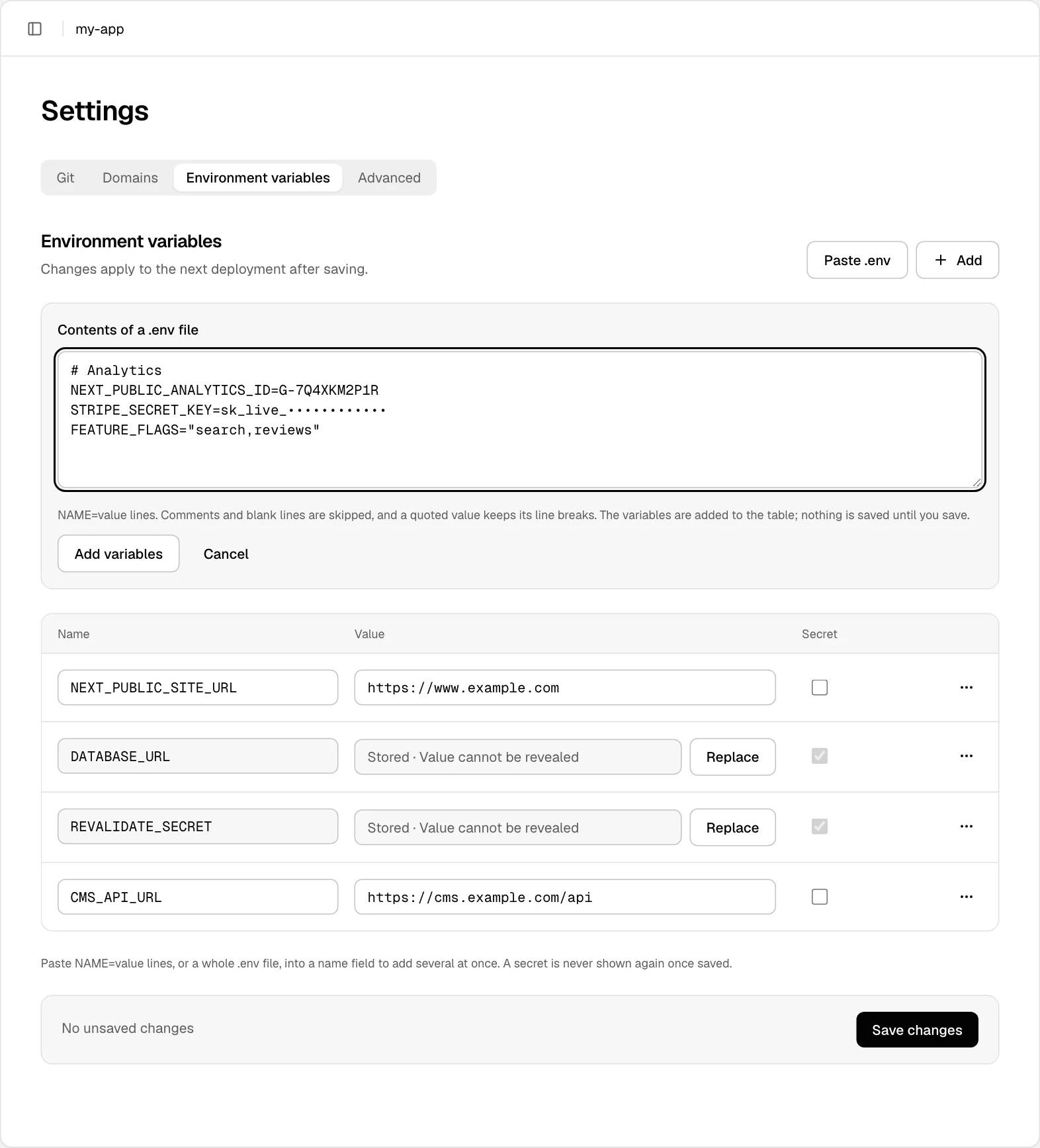
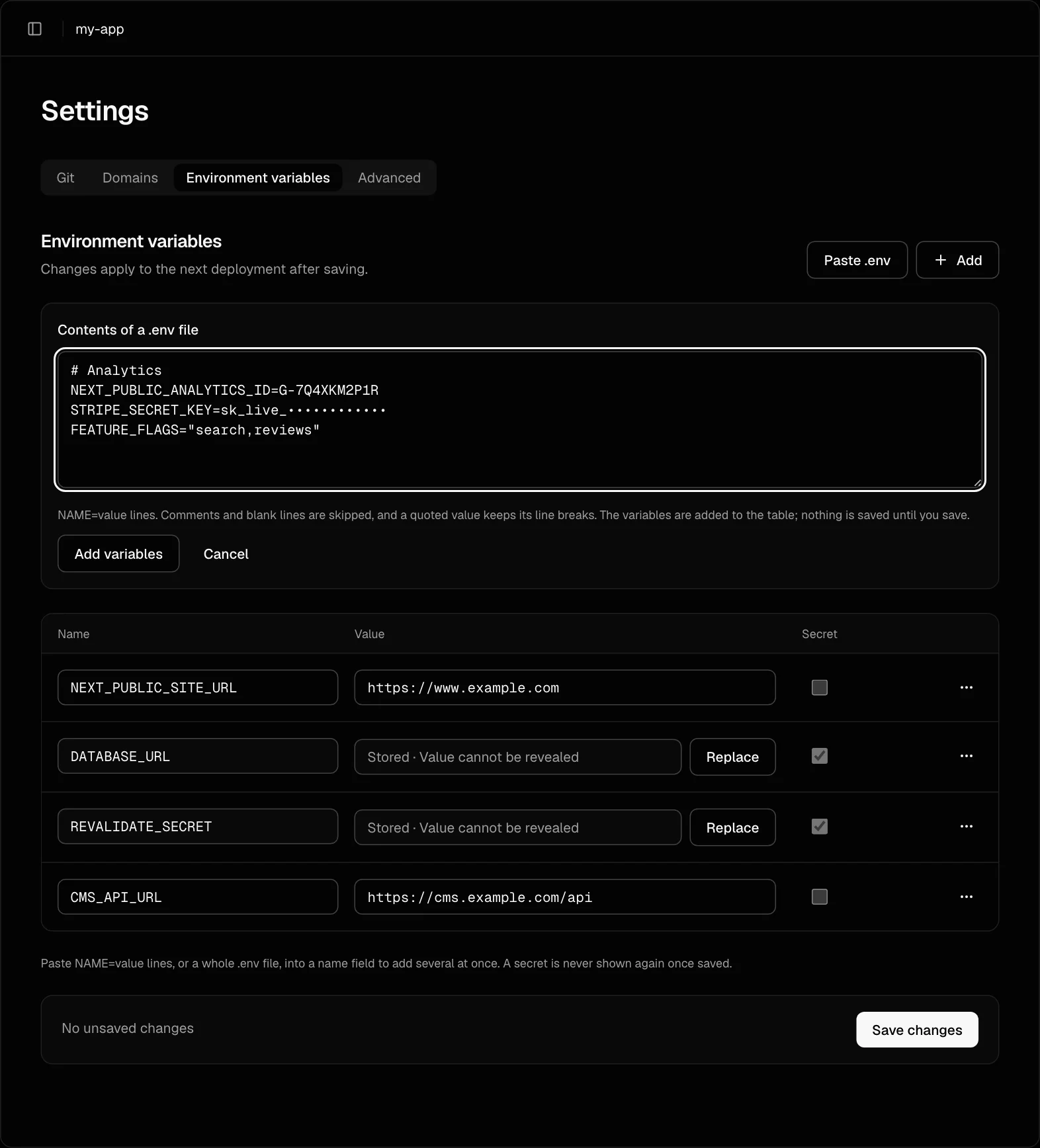
You can also paste NAME=value lines straight into a Name field.
Secrets
- A secret's value is never shown again once saved, in the dashboard or through the API. The table says Stored · Value cannot be revealed.
- To change a secret, choose Replace and enter the new value. Left empty, the stored value is kept.
- Wherever a secret's value appears in a build log or in your app's runtime logs, it is shown as
***. - A new secret must be at least 4 characters long.
Values are encrypted when stored, secrets and plain values alike.
NEXT_PUBLIC_ variables are written into the JavaScript sent to browsers when the app is built.
Never give a secret a name that starts with NEXT_PUBLIC_.
Rules
- A name is letters, digits and underscores, and does not start with a digit. Each name may appear once for production and once for preview, and none may be the name of the project's storage.
- Production and preview each read at most 114 variables, counting secrets and plain variables together.
- Each value may be at most 5 KiB (5120 bytes) when encoded as UTF-8. This is a byte limit, so characters such as Japanese text and emoji can use more than one byte each.
- Arkor sets some names itself, and a variable of yours with the same name is not used:
- during the build:
NODE_ENV(production),NODE_OPTIONS,PATH,HOME,CI(1),NEXT_TELEMETRY_DISABLED(1),COREPACK_ENABLE_DOWNLOAD_PROMPT,COREPACK_ENABLE_STRICT,NEXT_ADAPTER_PATH,NEXT_DEPLOYMENT_IDandVERCEL_URL; - at runtime:
NEXT_DEPLOYMENT_ID,NEXT_PRIVATE_RESPONSE_CACHE_TTL,VERCEL_URLand Arkor's own names that start withARKOR_.
- during the build:
- Avoid names that start with
ARKOR_.
At runtime, NEXT_DEPLOYMENT_ID holds the ID of the deployment that is answering, such as
dpl_PN5SKYTNw53TLrT2ko44j. Five of Arkor's own names, and VERCEL_URL, are there for your app to
read, at build time and at runtime:
| Name | Value |
|---|---|
ARKOR_ENV | production or preview |
ARKOR_URL | Without https://: the project's own hostname for a production deployment, not the deployment's own address, and the preview's own for a preview |
ARKOR_GIT_COMMIT_REF | The branch the deployment was built from, or the tag or commit entered under Branch, tag or commit |
ARKOR_GIT_COMMIT_SHA | The commit the deployment was built from |
ARKOR_GIT_PULL_REQUEST_ID | A preview only: the number of the open pull request of the branch it was built from — the first opened, if there are several |
VERCEL_URL | The same hostname as ARKOR_URL, under the name an app written for Vercel reads it by |
ARKOR_GIT_COMMIT_REF and ARKOR_GIT_COMMIT_SHA are set only for a deployment built from the
repository: a build uploaded rather than built by Arkor has neither. ARKOR_GIT_PULL_REQUEST_ID is
set only for a preview whose branch had an open pull request when it was pushed, or when its build
was run again with Re-run on GitHub: push a branch before
opening its pull request and its preview has none until the next push or Re-run. A target holding
114 variables, as many as it may, has no room for it either: the last slot is kept for a deployment
that runs workflows. A target that holds more, saved before the limit came down to 114, has no room
for VERCEL_URL either.
Of Vercel's system variables, only VERCEL_URL is set: an app written for Vercel builds its own
absolute URLs from it, such as an API route that calls the deployment back, and would otherwise
name localhost. Others, such as VERCEL_ENV, are not set. At runtime, Arkor also sets
VERCEL_WEB_ANALYTICS_ENDPOINT, so that track() from @vercel/analytics/server reaches
Web Analytics; a value you set yourself is used instead.
Set them through the API
GET /v1/projects/{projectId}/env returns the variables, with null for every secret's value and
the targets that read each one. PUT replaces the whole list, production and preview together: a
variable it leaves out is deleted, so send back what GET returned to change only some. Send null
as a secret's value to keep what is stored. An entry without targets is read by production alone.
curl -X PUT https://api.arkor.dev/v1/projects/$PROJECT_ID/env \
  -H "authorization: Bearer $ARKOR_TOKEN" \
  -H "content-type: application/json" \
  -d '{
    "env": [
      { "name": "NEXT_PUBLIC_SITE_URL", "value": "https://www.example.com", "secret": false,
        "targets": ["production", "preview"] },
      { "name": "DATABASE_URL", "value": null, "secret": true }
    ]
  }'
See Public API for tokens and project IDs.