
Arkor vs Vercel for Next.js: What to Test Before Switching
 Hina NakahiraCo-founder & CEO at Arkor
Arkor is worth evaluating when you want managed Next.js hosting built around reusable content and inspectable cache behavior. Whether it is a better fit than Vercel depends on your application, required services, and measured workload. PPR support alone is not a reason to assume a winner.
This article is published by Arkor. It is a guide to evaluating our product, not an independent ranking. Arkor product details below were checked against its implementation on October 24, 2026; verify external pricing and features before a pilot.
Start with what both platforms can do
Vercel documents Partial Prerendering and runtime caching. It would be inaccurate to describe PPR or caching as capabilities that only Arkor provides.
Arkor's public product description centers on serving cached page shells from Cloudflare's CDN and streaming the remaining dynamic content. The useful comparison is how your particular page is delivered, updated, observed, and billed on each platform.
Run the same tests against both. Do not infer a performance result from the diagram.
Check Arkor's current boundaries first
The support page lists official support for Next.js 16.3+. Next.js 16.2 generally works but is not guaranteed. Standard builds use Turbopack; the documentation notes an exception for static exports. It also lists limitations around native or process-dependent code, custom cache handlers, and WebSockets.
Those constraints should be checked before a pilot, not discovered after a domain switch. A dependency that is central to your product may make migration unattractive even when another part of the workload fits well.
The public pricing page identifies Arkor as a public-alpha product. Treat that stage as a real evaluation input: confirm support expectations, required operational guarantees, and the recovery plan appropriate for your application.
Evaluate cache visibility with one real incident
Arkor's Cache Inspector records cache generations, regeneration attempts, invalidations, and tags. It is included in Pro. Recording must be enabled for a project and applies to deployments created after it is enabled.
Use it to investigate a specific synthetic content change. Can you identify which value was served, which invalidation reached it, and what happened during regeneration? Also verify access controls and whether the information shown is sufficiently current for the investigation.
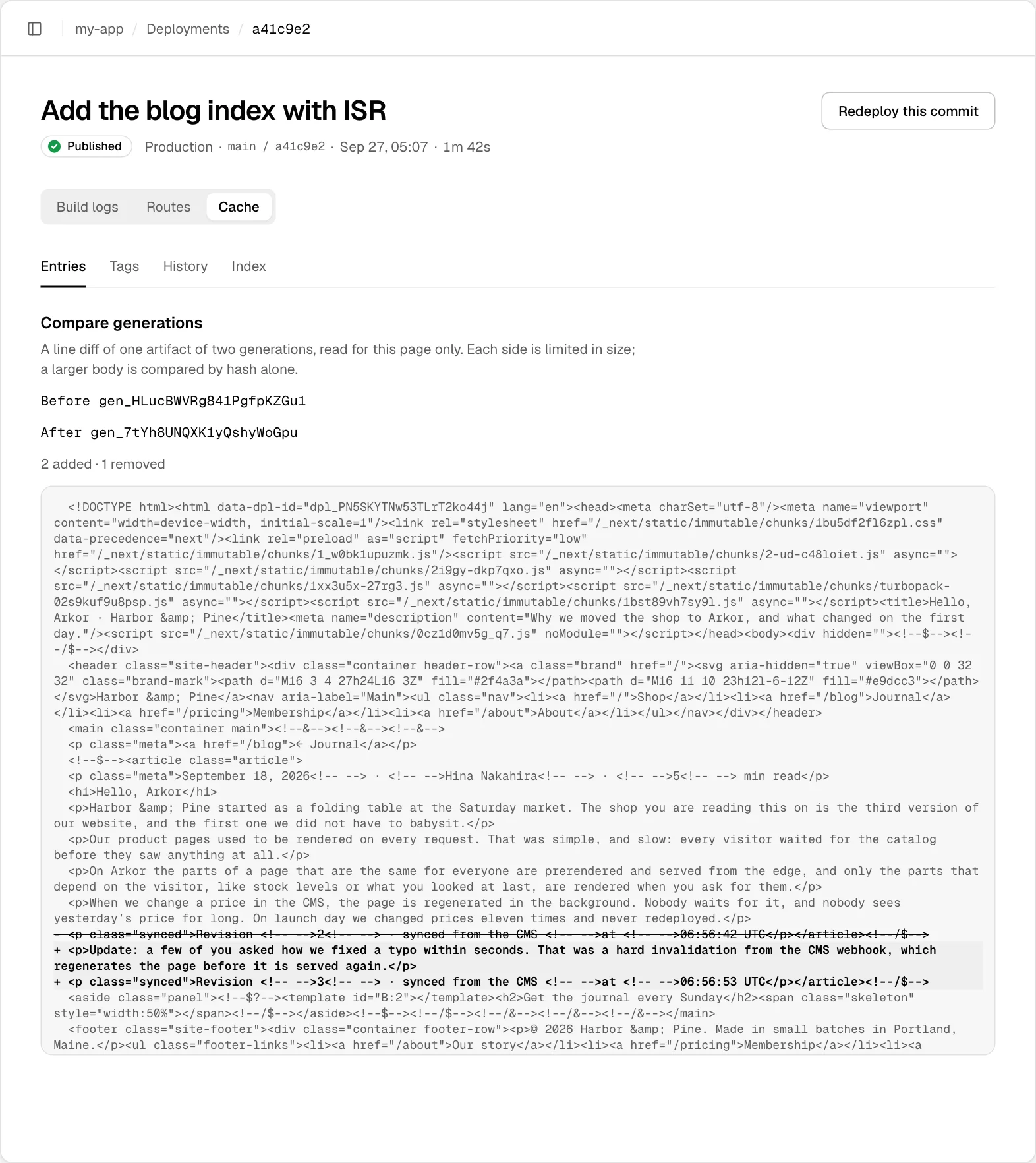
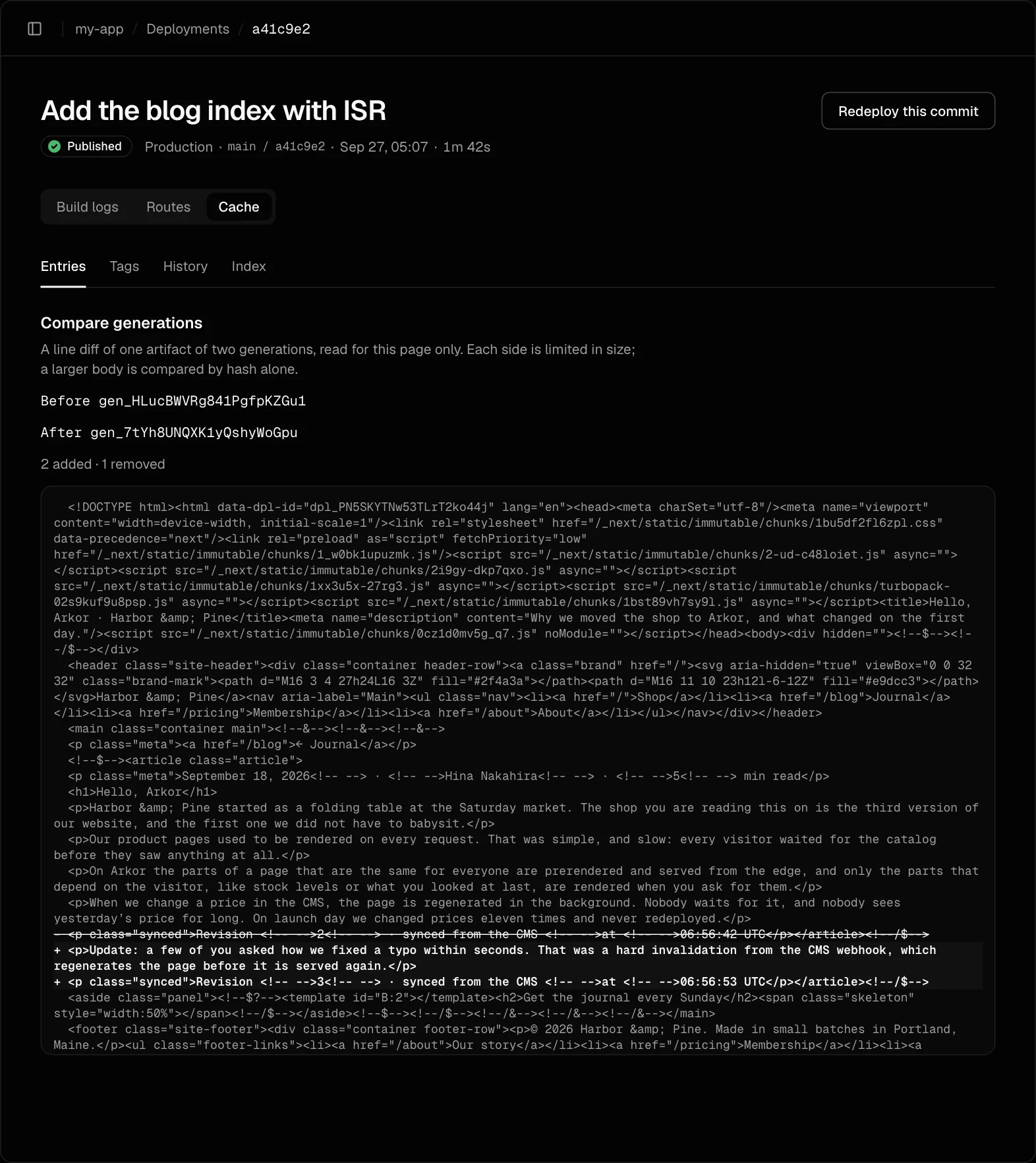
Arkor interface screenshot © 2026 Arkor. All rights reserved. The article text remains CC BY 4.0.
Do not compare observability by counting dashboard screens. Compare how directly each setup answers the question your team needs to resolve.
Price the whole workflow
Arkor offers Free for personal teams and Pro at $20 per team per month with $20 of included usage. Cache Inspector is included in Pro. Enabling recording changes the project's cache-write rate to Inspectable ISR Writes; it does not add a monthly Inspector fee. Check the current pricing page for the Free allowance and all metered rates.
Include the recording configuration in a cost comparison: access to the Inspector is included, but recording cache history creates metered usage.
On both sides, use your actual plan, regions, resource units, credits, and required services. A transfer-heavy application and a write-heavy cache workload can produce different results. This article does not claim a fixed savings percentage.
Run a small parallel pilot
Keep production on its current host. Use separate test data, sandbox integrations, and a representative public route plus a personalized route.
Test direct loading, navigation, a content update, a sandbox mutation, an old tab across deployment, and rollback. Measure meaningful public content, dynamic readiness, errors, and settled resource usage.
Record any application changes needed for Arkor. They are part of the migration cost even when the final deployment works well.
Decide from the result
Arkor is a sensible candidate when its supported scope fits your application and the pilot shows a useful improvement in visibility, delivery, or complete cost. Staying on Vercel is reasonable when the current setup already meets your needs or migration would add more risk and work than benefit.
Start with the Arkor documentation and the workload you actually run. The goal is not to win a feature-table argument. It is to choose a deployment path that your team can explain, operate, and trust.
About the author

Co-founder & CEO at Arkor